Blog / Guides
How to run a Halloween flash sale for a SaaS or digital product
A good flash sale is mostly preparation: the offer, the checkout, the page and the emails are ready before the first minute. This is the plan we used for our own Halloween sale.
By Abdullah NomanOctober 30, 20263 min read
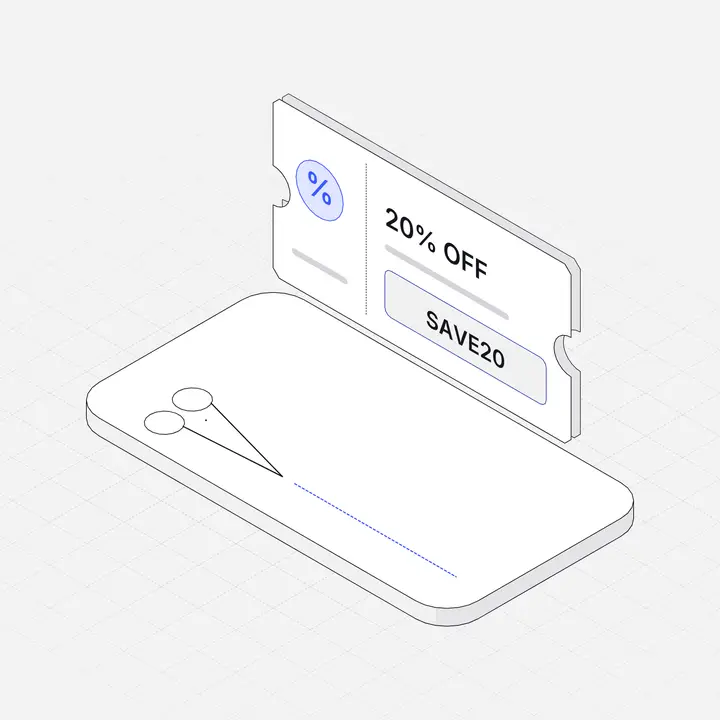
Short answer: choose one simple offer (a single percentage off every plan works best), create the discount in your payment provider with the sale's exact start and end time, apply it automatically at checkout, show the real prices and a countdown on your site, email your list at the start and in the last hours, and let everything switch off on its own when the sale ends.
Why run a Halloween sale at all?
Halloween is the first date of the end-of-year sales season. It is less crowded than Black Friday, so your email lands in a quieter inbox, and it lets you test your sale setup (discounts, pages, emails, tracking) before the biggest week of the year.
Step 1: choose one offer people understand in a second
"44% off every plan" is easier to act on than "30% off Pro, 20% off Personal, bonus pack with Lifetime". If you price plans differently, express the saving against the same reference price so every plan reads the same number. Keep the offer smaller than your Black Friday deal, so that sale still means something.
Step 2: create the discount in your payment provider
Create the discount where the money is charged (Stripe, Paddle, Lemon Squeezy, Polar and others all support it), with the exact start and end time and the products it covers. Then the provider itself refuses the code outside the window, whatever happens on your website.
Step 3: apply it automatically
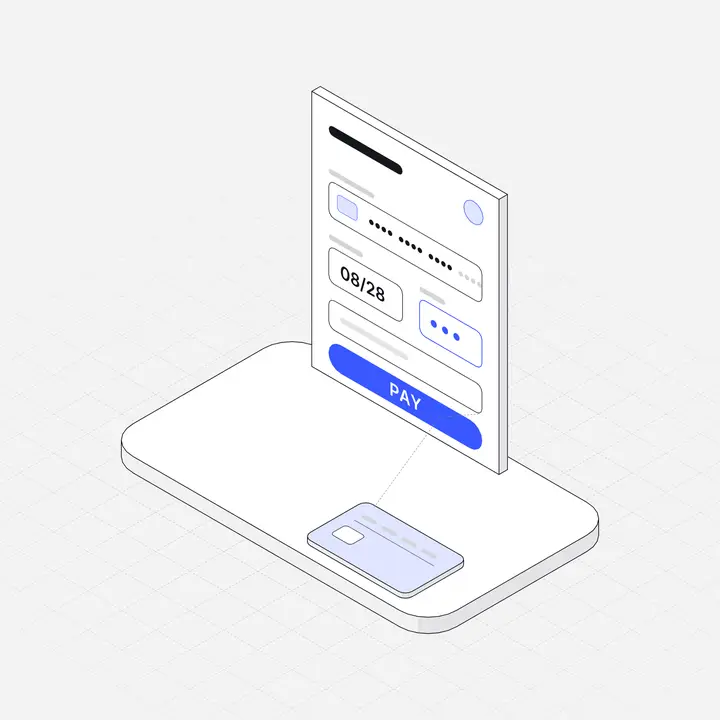
Make every buy button add the code on the server, so buyers never type anything. Never calculate the charged amount in page code: the page only displays prices, and the provider computes the total. If your sale should not apply in some countries (for example where you already have local pricing), check the visitor's country on the server too.
Step 4: update the site
- A top bar with the offer and a countdown on every page.
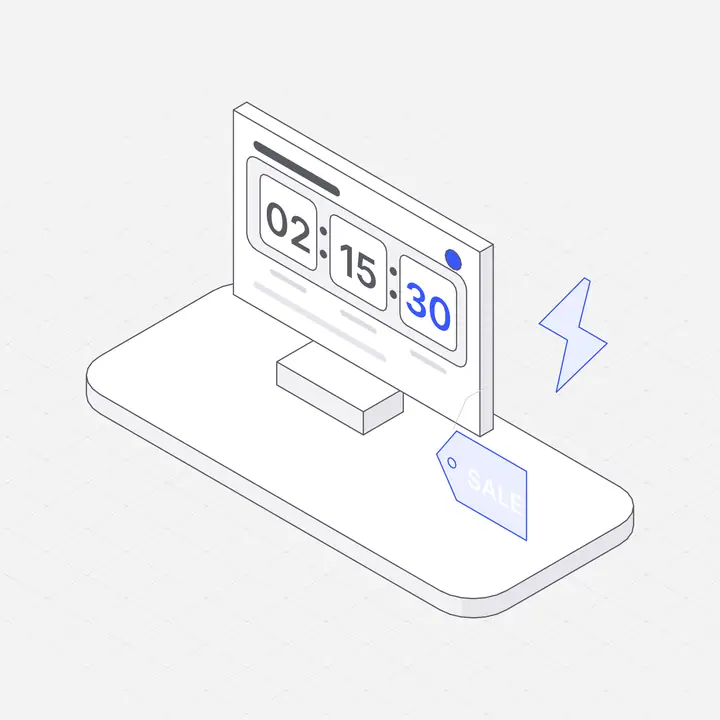
- Sale prices, struck-through regular prices and the saving on every pricing table.
- A light seasonal theme on the homepage. See how to design a Halloween sale page.
- Hide other promotions while the sale runs, so offers do not compete.
Step 5: announce it
Send one email when the sale starts and one in the final 12 hours. Post on the channels where your buyers already follow you. Give each link UTM tags so you can see which channel sold.
Step 6: end it cleanly
When the deadline passes, the bar, theme and prices should switch back by themselves, and the discount should stop working at checkout. Then compare revenue, conversion rate and refunds with a normal week, and write down what to change before Black Friday.
Halloween flash sale timeline
| When | What to do |
|---|---|
| One week before | Decide the offer, create the discount with start and end times, draft the emails. |
| Three days before | Build the sale bar, prices and theme; preview them with a test link. |
| Day before | Test a real checkout with the code; check mobile; schedule the emails. |
| Sale starts | Check the live site and checkout; send the first email; post on social. |
| Last 12 hours | Send the last-chance email. |
| After | Confirm everything switched off; review the numbers. |
Questions
How long should a Halloween flash sale last?
One to three days, ending on October 31. Short windows keep the deadline believable.
What discount should I offer for Halloween?
A single, simple percentage across all plans, a little smaller than your Black Friday offer. Many digital products use 20% to 50%.
Should customers type a coupon code?
No. Apply the discount automatically at checkout so no one drops off while looking for a code.
Is it safe to show discounted prices with JavaScript?
Showing them is fine, but the amount charged must come from your payment provider or server, never from page code.