Blog / Guides
How to design a Halloween sale landing page that converts
A Halloween sale page has one job: make a visitor who already likes your product buy before midnight. Here is what to change on your site for those few days, and what to leave alone.
By Abdullah NomanOctober 30, 20263 min read
Short answer: keep your normal layout and brand, and change four things for the sale: a seasonal accent colour (orange for Halloween), a headline that states the discount, a visible countdown to the real end time, and the actual sale prices next to the regular ones. Decorate lightly with a few on-brand Halloween illustrations, and remove anything that slows the visitor down on the way to checkout.
What makes a Halloween sale page convert?
Seasonal sales mostly convert people who already know you: past visitors, newsletter readers, people with a cart or a free account. They do not need to be convinced the product exists. They need three facts fast: how much, until when, and where to click. Every element on the page should answer one of those, or get out of the way.
1. Keep your brand, add one seasonal accent
A full costume (purple slime, dripping fonts, a new layout) makes your site look like a different company and breaks trust at the exact moment you ask for money. Instead, keep your type, layout and logo, and add one Halloween accent colour. Orange on black and white reads as Halloween instantly and still looks premium.
2. Put the number in the headline
"Scary good designs. 44% off." beats "Our spooktacular celebration is here!" because it answers the first question in the first line. Keep the headline under ten words and make the number the brightest thing on the page.
3. Show a countdown to the real deadline
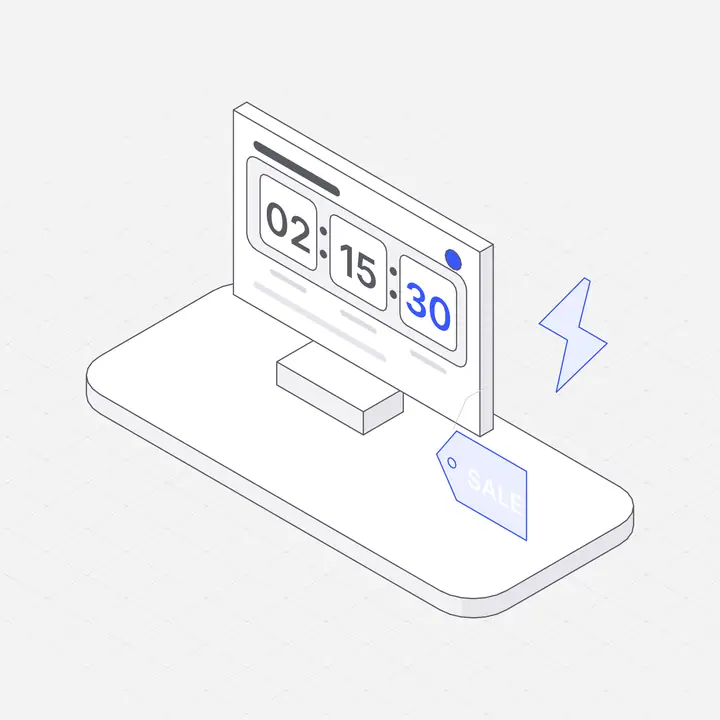
A countdown works because the deadline is real. Count down to the actual end of the sale, in the visitor's own time zone, and stop showing the sale when it ends. Fake timers that reset on reload are easy to spot and cost you trust for every future sale.
4. Show real prices, not only a percentage
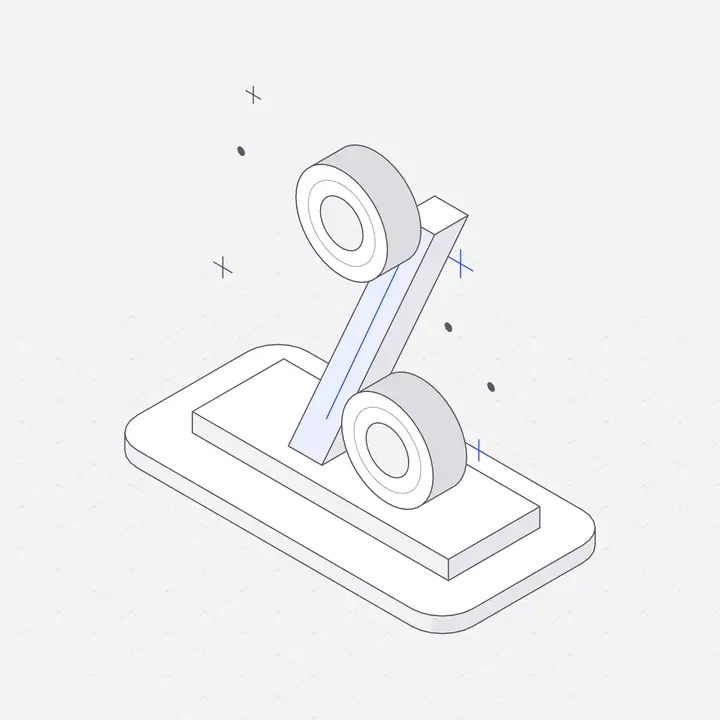
"44% off" is abstract. "$55.30, was $99" is a decision. Show the sale price large, the regular price struck through beside it, and the saving in money. Make sure the price on the page is exactly what checkout charges: apply the discount on the server or in your payment provider, never only in page code.
5. One button, one destination
Use one call to action ("Grab the deal") that goes straight to pricing or checkout with the discount already applied. Do not make people copy a code; every extra step loses buyers.
6. Cut the copy in half
During a sale, long paragraphs are friction. Replace the usual hero paragraph with a single promise line, the countdown and the prices. Move proof (reviews, logos, badges) just below, where people who hesitate will find it.
7. Decorate the edges, not the content
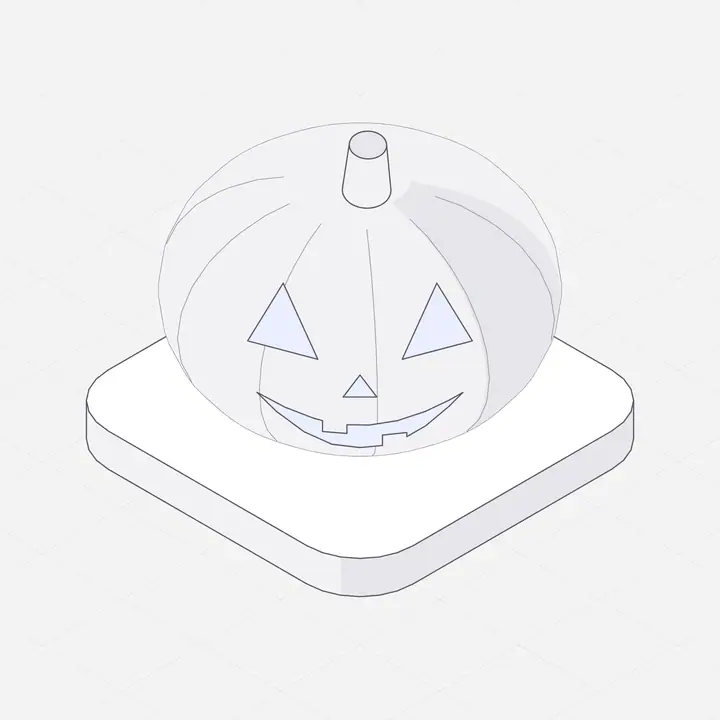
Put the seasonal touches around the content: a pumpkin near the logo, a thin web in a corner, a small figure in the header. Leave the headline, prices and button clean. Draw the decorations in the same line weight as your other illustrations so they look like part of the site.
8. Make it easy to switch off
Build the Halloween look as a theme that turns on with the sale and off when it ends, on its own. Sales that linger for days with an expired timer look abandoned. If you sell in regions with their own prices or currencies, decide where the sale applies and check it by visitor location on the server.
Halloween sale page checklist
- Headline states the discount in under ten words.
- Countdown to the real end time, shown in local time.
- Sale price, regular price struck through, saving in money.
- One button straight to checkout, discount already applied.
- One accent colour; your normal fonts, logo and layout.
- Seasonal illustrations around the edges, in your own style.
- Mobile checked first: the price and button visible without scrolling.
- Sale and theme switch off automatically at the deadline.
You can see this approach live on liniqo.com until October 31: black and white with orange accents, a four-box countdown and the real prices under the button.
Questions
What colours should a Halloween landing page use?
Keep your brand colours and add one Halloween accent. Orange on black and white is the most recognisable and still looks premium; avoid replacing your whole palette.
Should a Halloween sale page have a countdown timer?
Yes, if it counts down to the real end of the sale. A genuine deadline increases urgency; a timer that resets on reload damages trust.
How long should a Halloween sale run?
Most digital products run Halloween flash sales for one to three days, ending on October 31. Short sales keep the urgency real.
Where can I get Halloween illustrations for my website?
Use illustrations in the same style as the rest of your site. Liniqo has hairline isometric pumpkins, candles, lanterns and a moon night light that you can recolour to your accent and download as SVG.