Blog / Ideas
Halloween illustrations for websites, apps and emails
A few seasonal illustrations make a product feel alive for a week, without a redesign. Here is where they work best and how to keep them looking like your brand.
By Abdullah NomanOctober 30, 20263 min read
Short answer: use Halloween illustrations in a few high-visibility places (the homepage hero, the sale banner, an email header, and one or two empty or 404 states) and draw them in the same style and line weight as the rest of your product. Recolour them to your accent, or to orange for the week, and remove them when the season ends.
Where do Halloween illustrations work best?
| Place | What to show | Why it works |
|---|---|---|
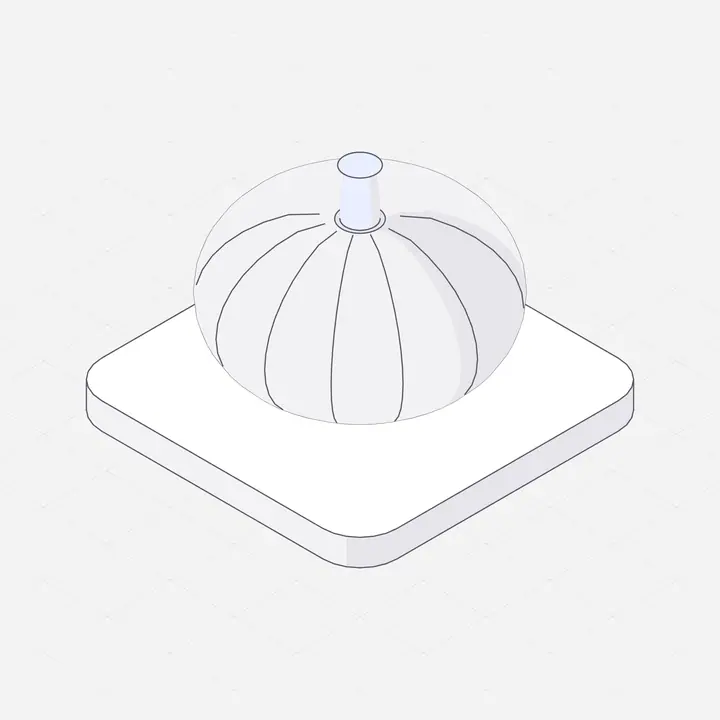
| Homepage hero | One object: a carved pumpkin, a lantern | Seen by everyone, says "seasonal" instantly |
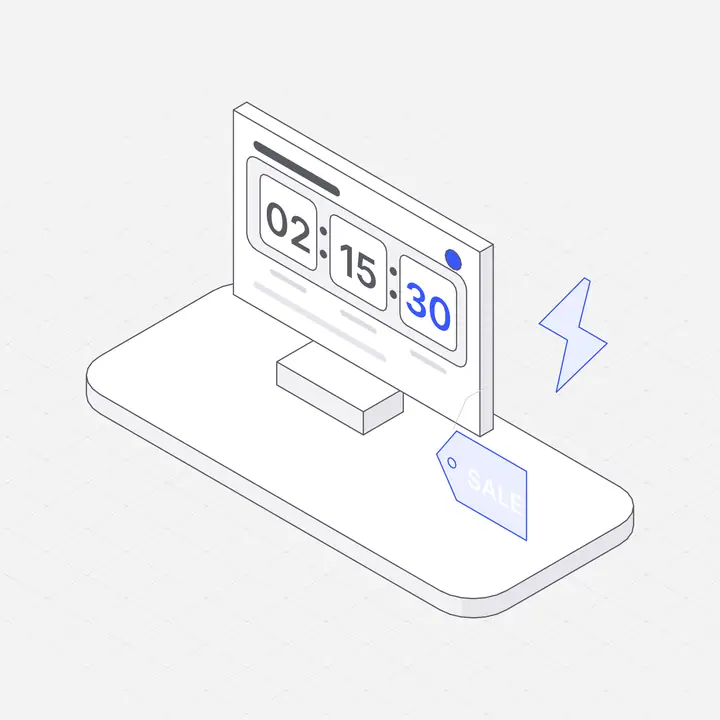
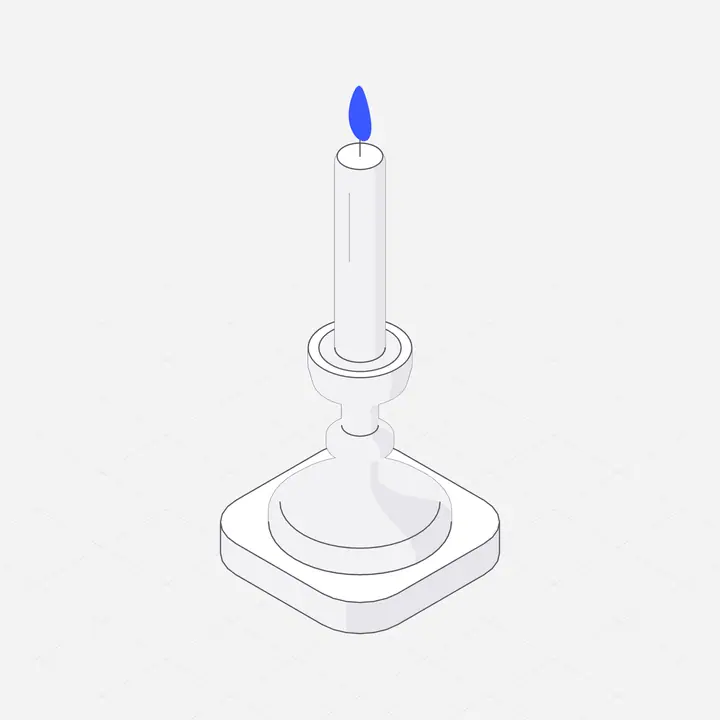
| Sale banner and pricing | Small pumpkin or candle beside the offer | Ties the discount to the occasion |
| Email header | A lantern or moon night light | Stands out among plain promotional emails |
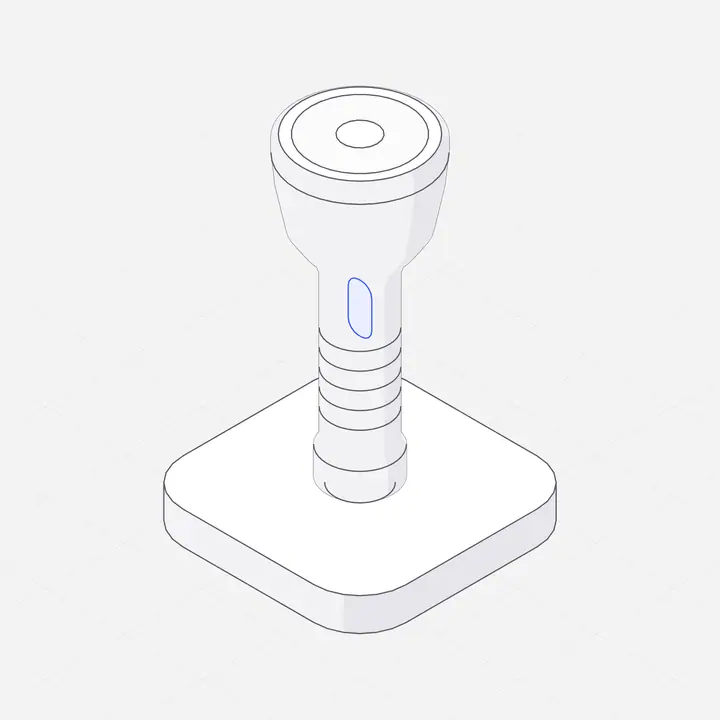
| Empty states | A flashlight looking for data | A small surprise where users expect nothing |
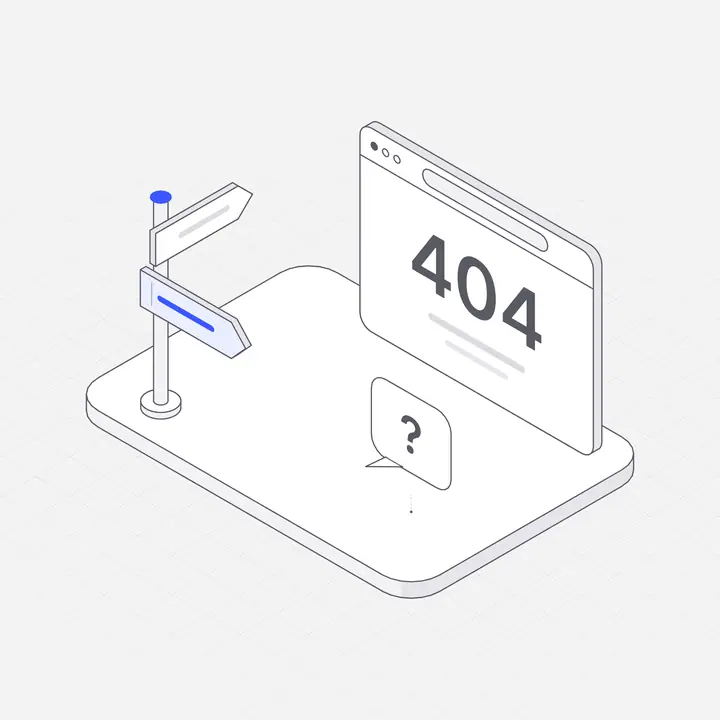
| 404 page | A lost visitor in the dark | Turns an error into a smile |
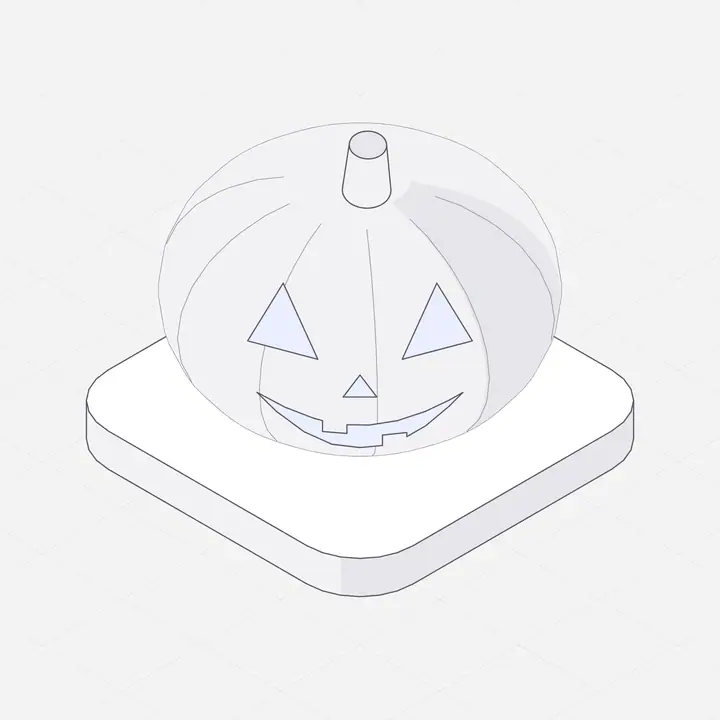
How do you keep Halloween graphics on-brand?
- Same style as everything else. If your product uses line illustrations, use line illustrations for Halloween too. A cartoon pumpkin next to a technical diagram looks pasted on.
- One accent colour. Recolour the illustrations to orange for the week, or keep your brand accent and let the subject say "Halloween".
- Small and few. Three to five illustrations across the whole product are enough.
- Dark mode ready. Halloween designs often go dark. Use illustrations that come in light and dark versions.
Halloween illustration ideas that are not spooky clichés
Pumpkins, candles and lanterns, flashlights, moonlit night lights and gift boxes all read as autumn or Halloween without gore. They also stay usable after October 31: a flashlight works for "search" empty states all year, and a candle for "focus" or "calm" features.
Where can you get Halloween illustrations as SVG?
The Liniqo library has hairline isometric pumpkins, candles, lanterns and a moon night light among its 2,648 illustrations. Pick your accent colour (try orange, #FF7A1A), choose light or dark, and download SVG or PNG, or copy them into Figma, Framer or your AI coding tool. 308 illustrations are free with no attribution, and every plan is 44% off until October 31 in the Halloween sale.
How to add them in a few minutes
- Search the library for pumpkin, candle, lantern or flashlight.
- Set the accent colour and theme, then download the SVG.
- Place one in your hero or banner, and one in an empty state or your 404 page.
- Set a reminder to swap them out on November 1.
Questions
Where can I find Halloween illustrations for a website?
Liniqo has hairline isometric pumpkins, candles, lanterns and a moon night light you can recolour and download as SVG or PNG. Some are free with no attribution.
Can I use Halloween illustrations in commercial projects?
With Liniqo, yes: every paid plan includes a commercial licence. Free illustrations can be used in commercial work too, without attribution.
What colour should Halloween illustrations be?
Orange accents on black and white are the most recognisable. You can also keep your brand accent and let the subject (a pumpkin, a lantern) carry the theme.
Should I use Halloween graphics in my app or only on the website?
A few in the app are fine: an empty state or the 404 page. Keep core screens unchanged so people can still work without distraction.