Blog / Guides
404 and error page design: examples, copy and illustrations
Error pages are where users decide whether to give up. A good one admits the problem in plain words, offers the next step, and looks like part of the product.
By Abdullah NomanOctober 23, 20263 min read
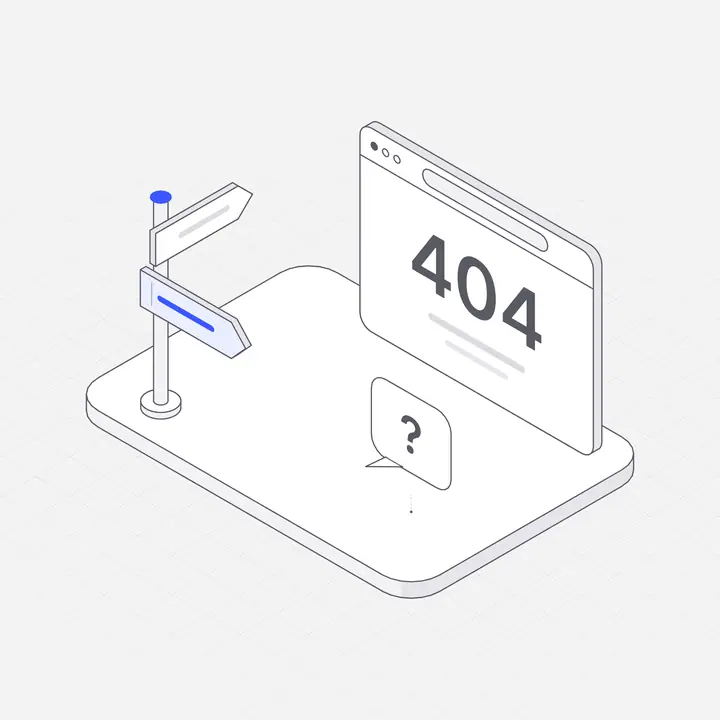
Short answer: a good error page says what happened in plain words, tells the user what they can do next with one or two clear buttons, and keeps the site's navigation and style so it feels like part of the product. An illustration softens the moment and makes the page recognisable, but it should never push the next step below the fold.
The types of error page and what each needs
| Page | What happened | Best next step |
|---|---|---|
| 404 Not found | The link is wrong or the page moved | Search, home, popular pages |
| 500 Server error | Something broke on our side | Retry, status page, contact |
| Offline | No connection | Retry when back online; show cached content |
| 403 Access denied | No permission | Request access, switch account |
| Session expired | Signed out for safety | Sign in again and return to the same page |
Copy templates
- 404: "We can't find that page. It may have moved. Try searching, or go back to the dashboard."
- 500: "Something went wrong on our side. Your work is saved. Try again in a moment, or check our status page."
- Offline: "You're offline. We'll reconnect automatically and keep your changes."
- 403: "You don't have access to this project. Ask an admin for access, or switch accounts."
Avoid blaming the user, error codes as headlines, and jokes when something important failed, such as a payment.
Where the illustration goes
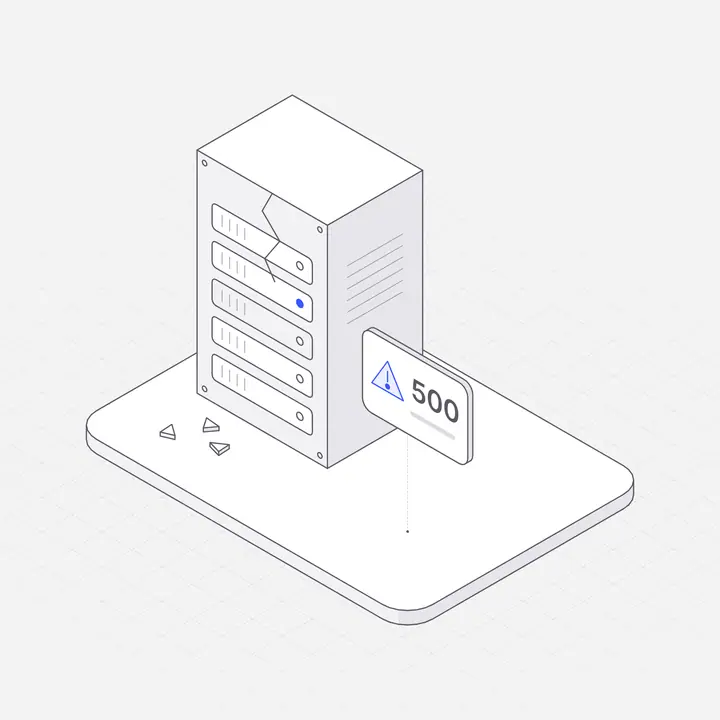
Put the illustration above the message at a modest size (160 to 280 pixels on desktop), keep the buttons visible without scrolling on a phone, and use the same illustration style as your empty states so errors feel like a designed part of the product.
Prompt for an AI builder
Replace the plain 404 page, the error page and the offline message with
fitting Liniqo illustrations, a one-line friendly message and a button back
to the home page or a retry button. Keep the site header and footer.
Questions
What should a 404 page include?
A plain message, a search box or links to the most useful pages, a button back to the home page or dashboard, and the normal site navigation.
Should a 404 page be funny?
A light touch is fine for a missing page, but keep the next step obvious. For failures that matter, such as payments, be direct and calm instead.
Do error pages affect SEO?
A real 404 should return a 404 status code so search engines drop the missing URL. A helpful page keeps visitors on your site instead of leaving.