Blog / Illustration packs
SaaS illustrations for dashboards, onboarding and landing pages
SaaS products are mostly invisible: data, permissions, workflows. Good SaaS illustrations turn those into objects people recognise at a glance, from a usage meter to a permissions matrix.
By Abdullah NomanOctober 13, 20263 min read
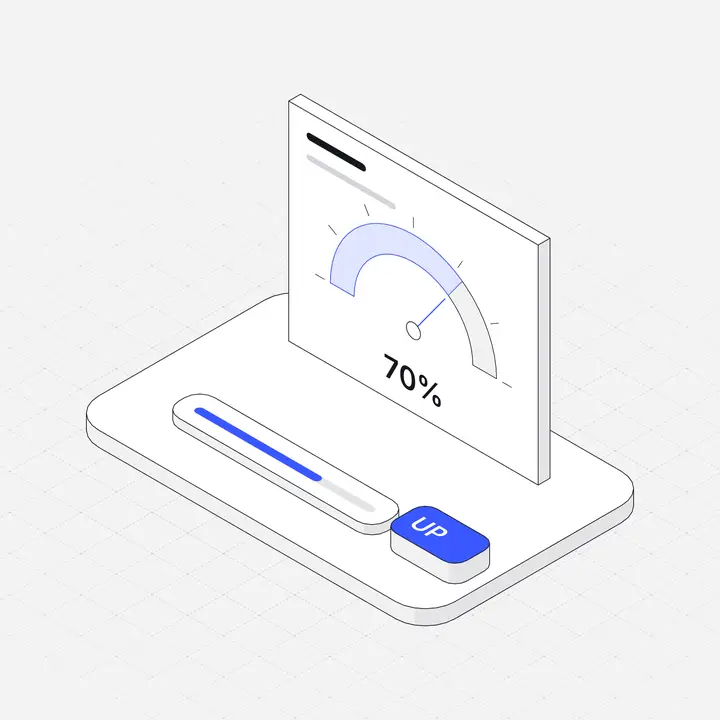
SaaS illustrations in the Liniqo library
These come from the SaaS Dashboard Panels, Analytics & Charts, Project & Productivity packs, drawn in the same hairline isometric style as the rest of the library, with light and dark versions and your accent colour applied to every file.
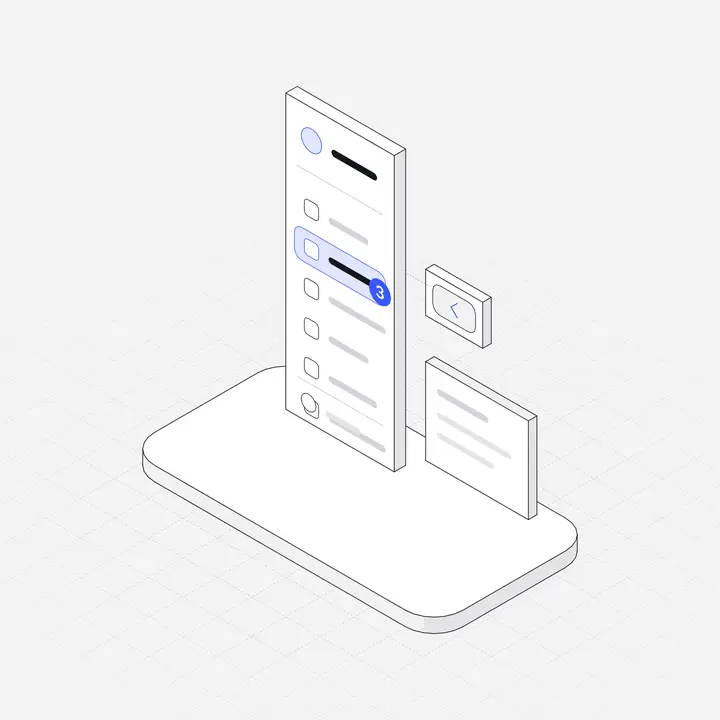 Sidebar navigation panelFree
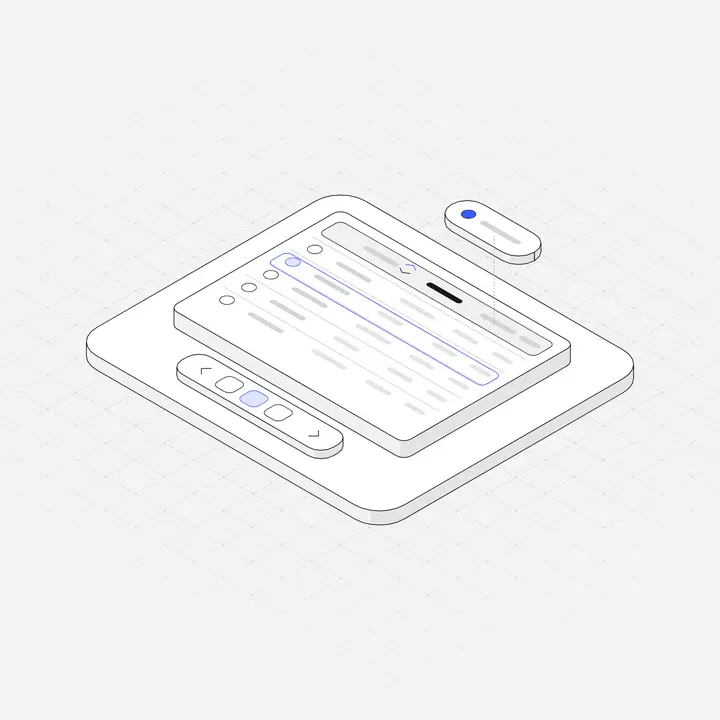 Data table gridFree
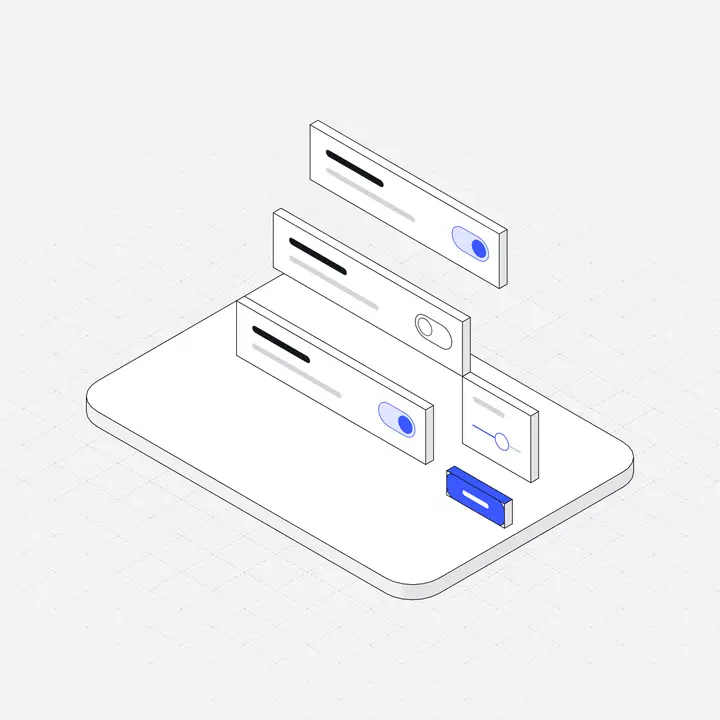 Settings toggle stackFree
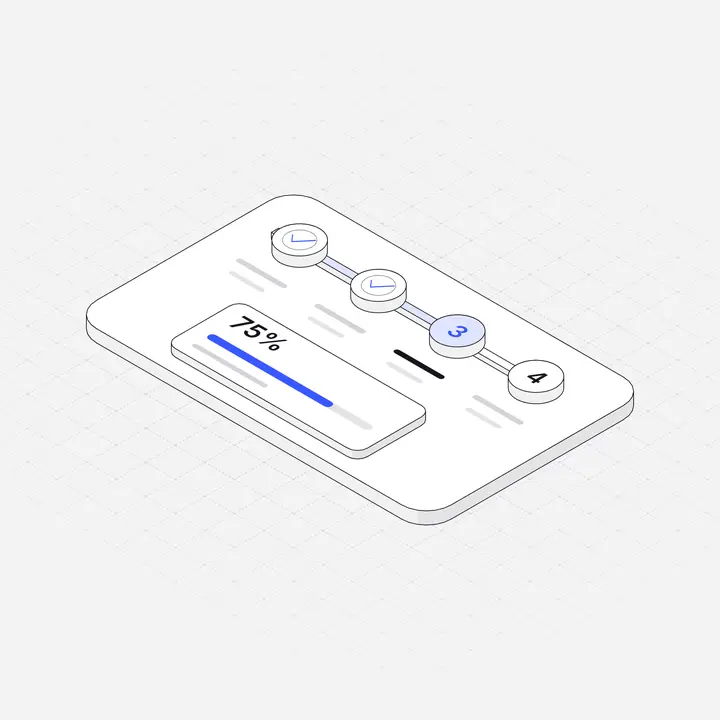 Onboarding stepper
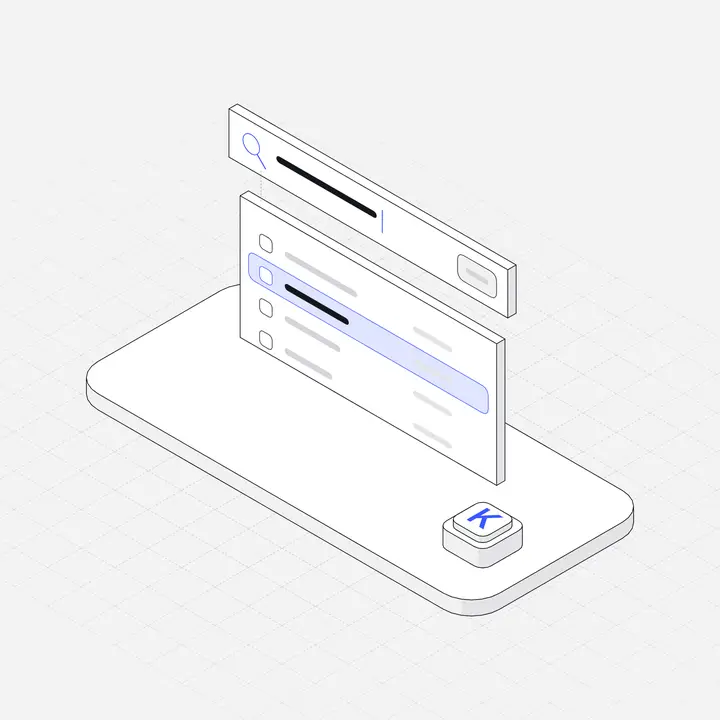 Command palette
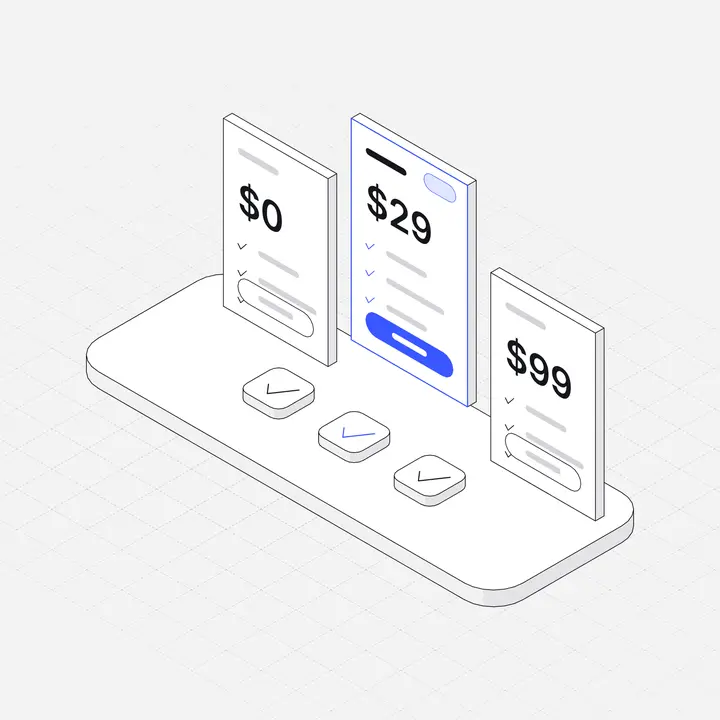 Pricing tier cards
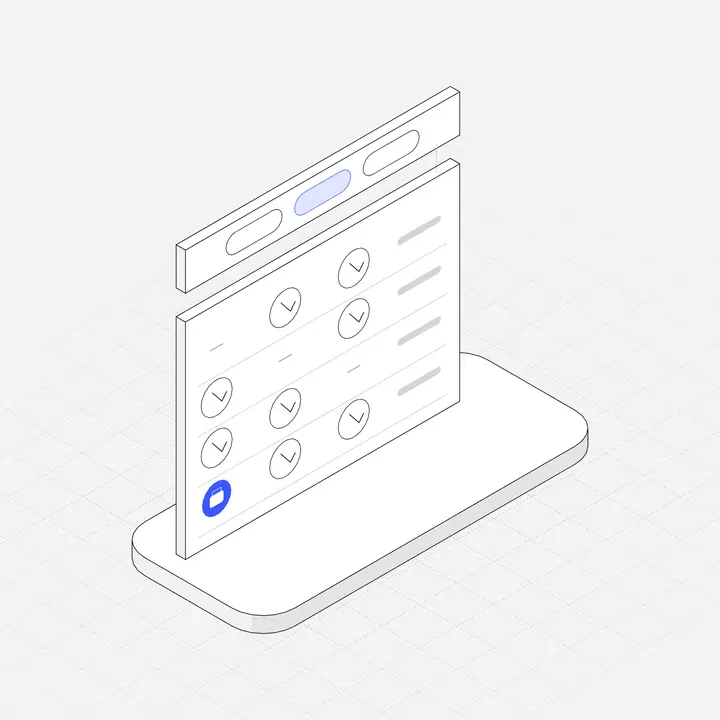 Role permission matrix
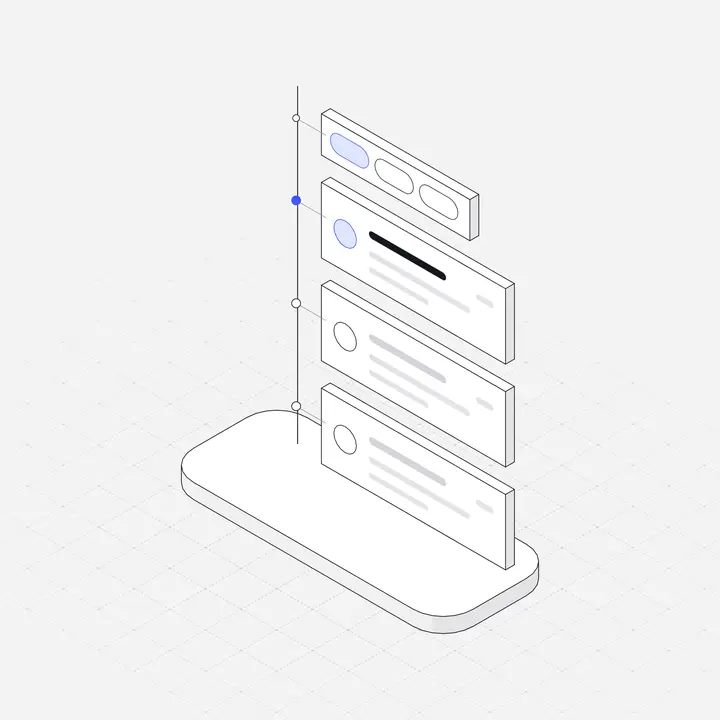 Activity feed timeline
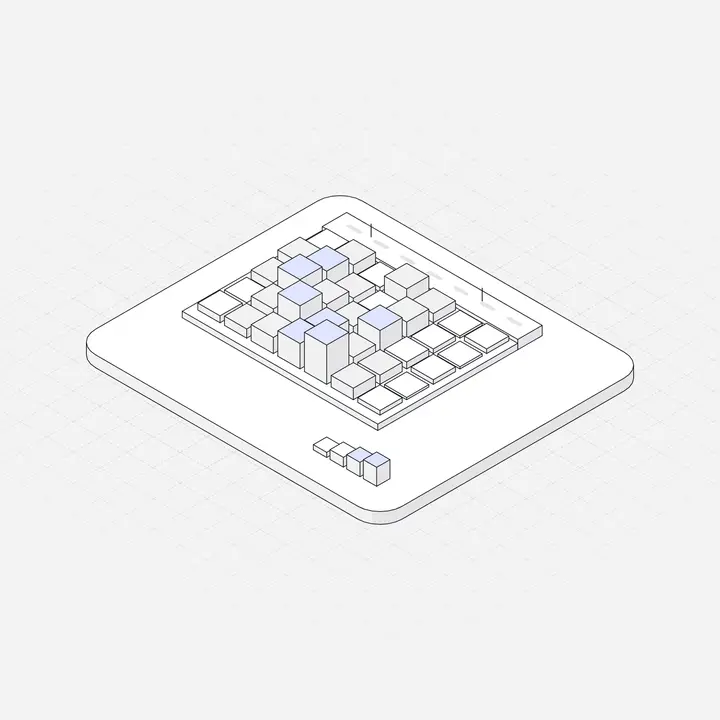 Heatmap CalendarFree
Items marked Free can be used commercially with no attribution. Open the library to search all 2,049.
Where to use them
| Screen or section | Illustration idea |
|---|---|
| Empty table or list | Data table grid, empty state frame |
| Onboarding steps | Onboarding stepper, settings toggles |
| Team and permissions | Role permission matrix |
| Billing and usage | Usage meter gauge, pricing tier cards |
| Activity and notifications | Activity feed timeline |
| Analytics pages | Heatmap calendar, charts |
What good SaaS illustrations do
In a SaaS product, illustrations work like signage. A user should know within a second that a screen is about billing, permissions or reports, before reading a word. That only works when each concept always gets the same picture: if "reports" is a chart in onboarding, it should be the same chart in the empty state and in the docs.
The second job is reassurance. Empty tables, first-run screens and permission errors are the moments users feel lost. A familiar object, a short headline and one action turn those moments into instructions.
A starter set for most SaaS products
- Empty list or table (projects, records, invoices).
- No search results.
- Onboarding: connect data, invite team, choose a plan.
- Team and permissions.
- Billing, usage and limits.
- Integrations and API keys.
- Notifications and activity.
- Error and 404.
Eight to twelve illustrations usually cover a whole product. Drawing them in one style matters more than drawing many.
Tips for SaaS illustrations
- Draw your nouns: if the product is about invoices, use invoices, not a generic rocket.
- Put illustrations in empty states before the marketing site; that is where new users see them.
- Keep feature-grid illustrations the same size and accent colour.
- Check every illustration in dark mode if your app has one.
Keep it consistent
Use the same style for the marketing site and the product, so signing up does not feel like entering a different brand. Match the illustration accent to your primary button, and size feature illustrations identically. More in Illustrations for websites and Empty state illustrations.
Questions
What are SaaS illustrations?
Illustrations designed for software products: dashboards, data, settings, onboarding and workflows, used in the app and on the marketing site.
Where should a SaaS product use illustrations?
Empty states, onboarding, settings and integrations pages, error pages and the landing page feature grid.
Are there free SaaS illustrations?
Yes. Liniqo has 308 free illustrations, including SaaS dashboard pieces, for commercial use with no attribution.