Blog / Guides
Illustrations for websites: how to choose them and use them well
The right illustrations make a website easier to understand and harder to forget. The wrong ones make it look like a template. Here is how to choose a style, where to place illustrations and how to ship them so the site stays fast.
By Abdullah NomanOctober 13, 20263 min read
Most websites use illustrations for one of three jobs: to explain something that is hard to photograph, to signal what a section is about before anyone reads it, or to give the brand a recognisable look. If an illustration is not doing one of those jobs, the page is usually better without it.
Where illustrations help most on a website
- Hero sections for products you cannot photograph: software, APIs, data, services.
- Feature grids, one illustration per feature, all the same size and style.
- How-it-works steps, where a picture per step makes a process scannable.
- Empty, error and 404 pages, where a calm picture softens the moment. See Empty state illustrations.
- Blog headers and docs, to signal the topic of a page at a glance.
They help less on pricing tables, legal pages and dense dashboards, where they push the content people came for further down.
Choosing a style
| Style | Feels | Best for |
|---|---|---|
| Isometric | Precise, technical, structured | SaaS, fintech, data, infrastructure, logistics |
| Hairline / line | Calm, minimal, modern | Products where the UI should stay the hero |
| Flat with characters | Friendly, human | Consumer apps, education, community |
| 3D renders | Rich, premium | Hero moments, launches, campaigns |
| Hand-drawn | Personal, warm | Creators, small brands, editorial |
Whatever you choose, use one style across the whole site. Mixing a 3D hero with flat feature icons and sketchy empty states is the most common reason a site looks unfinished. If isometric is new to you, start with What is isometric illustration?
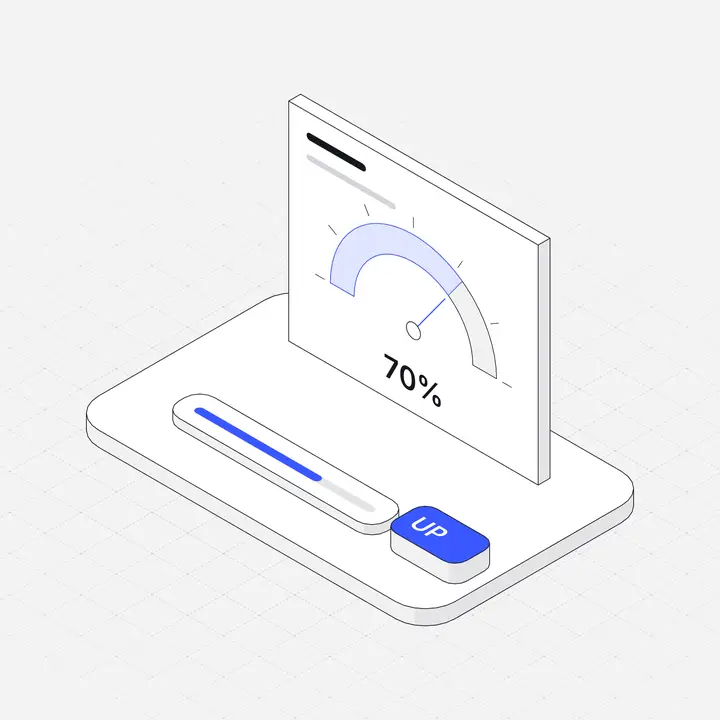 Usage meter gauge
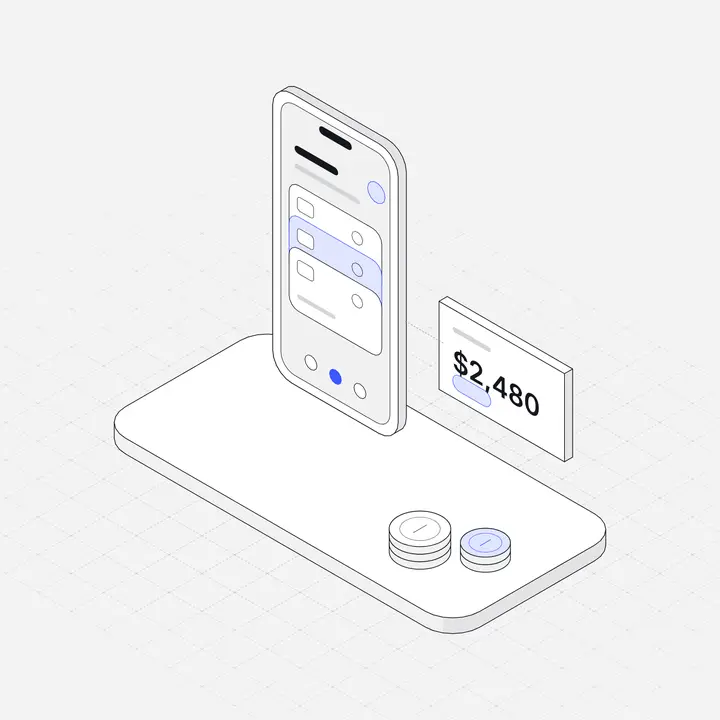 Digital wallet appFree
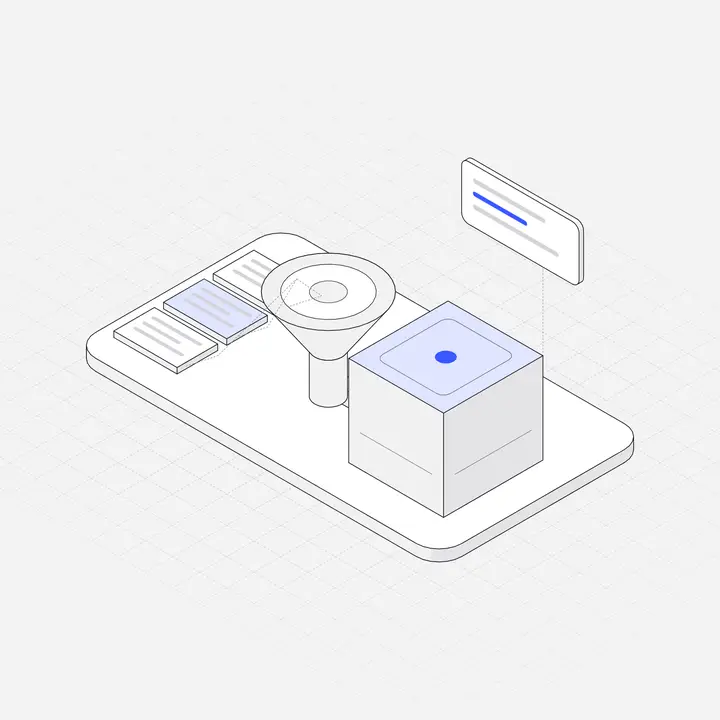 RAG retrieval pipeline
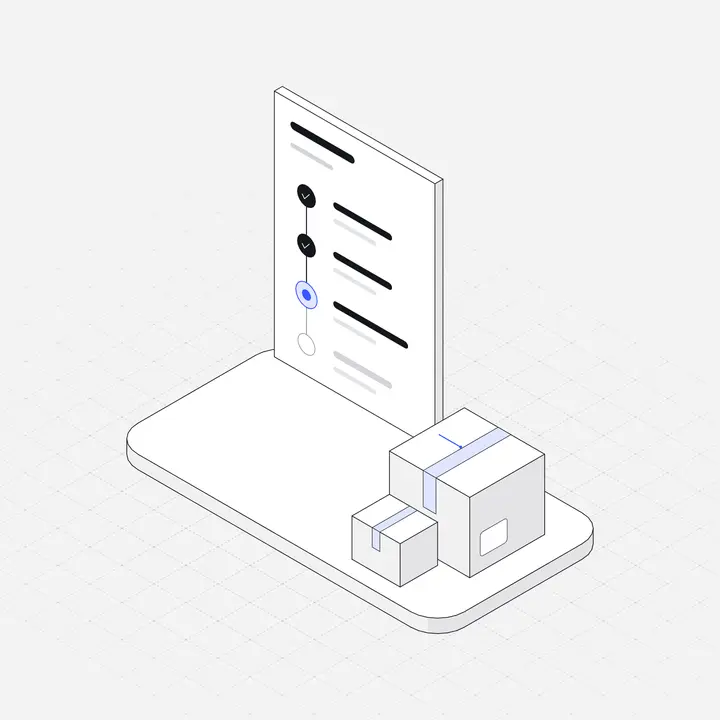 Order tracking timelineFree
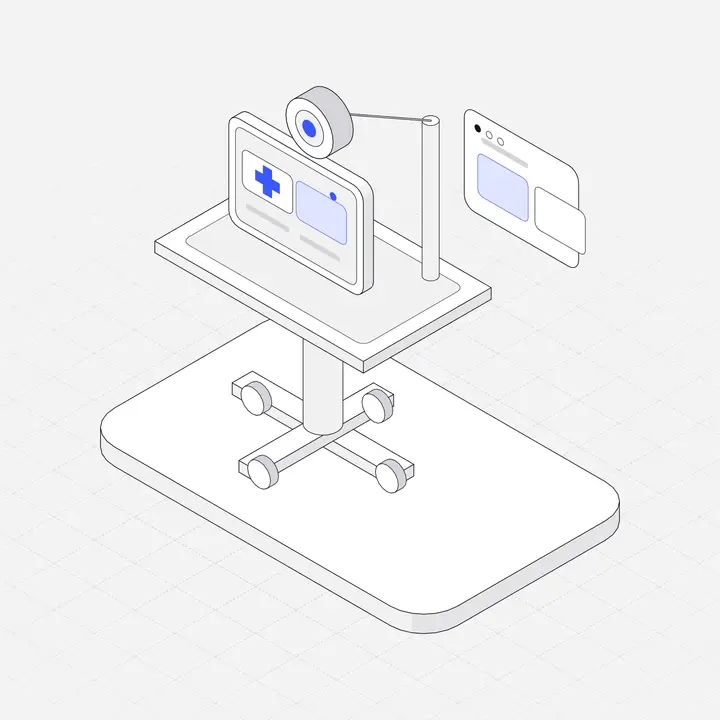 Telehealth cart
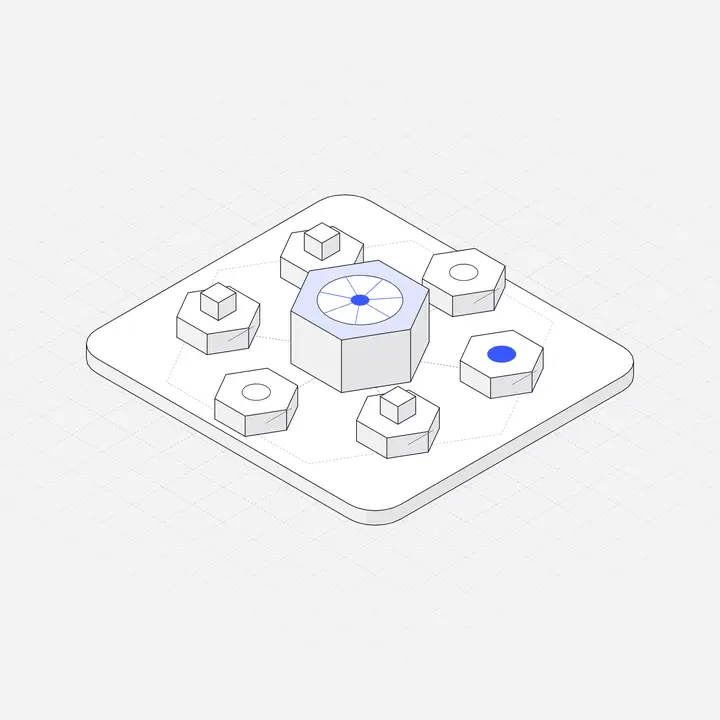 Kubernetes cluster nodesFree
File formats: use SVG
- SVG is the right default for website illustrations: sharp on every screen, usually a few kilobytes, and recolourable with CSS.
- WebP or AVIF when the illustration is a detailed raster image, such as a 3D render.
- PNG only when a tool needs it, like email or some page builders. Export at 2x the display size.
Inline or component SVG lets your stylesheet change colours and support dark mode. More in SVG illustrations in React and Next.js and Dark mode illustrations.
Sizes that work
| Placement | Typical width |
|---|---|
| Hero | 420 to 640 px |
| Feature card | 160 to 240 px |
| Step in a process | 140 to 200 px |
| Empty state | 120 to 240 px |
| Blog header | Full column width, cropped to 16:9 or 4:3 |
Keep the site fast
- Set
widthandheighton every image to avoid layout shift. - Lazy-load everything below the first screen with
loading="lazy". - Optimise SVGs with SVGO, but keep the
viewBox. - Limit animation to one or two places. See Animated SVG illustrations.
Accessibility
Decorative illustrations get alt=""; meaningful ones get a short description of what they show. Never put important text inside an illustration, because screen readers and translation tools cannot read it.
Licences
Check commercial use, attribution, client work and whether you can use the files in a template you sell. Our illustration licence guide explains each term.
Where to get illustrations for your website
Liniqo has 2,049 hairline isometric illustrations for websites in 79 packs, from SaaS and fintech to health, education and logistics, with light and dark versions and an accent colour you can change. 308 are free with no attribution. For other options, see our roundups of isometric and hairline libraries.
Questions
What kind of illustrations are best for a website?
One consistent style that fits the product: isometric for software and data, hairline for minimal products, flat characters for friendly consumer brands. Consistency matters more than the style itself.
What format should website illustrations be?
SVG for most illustrations, because it is small, sharp at every size and editable with CSS. Use WebP or AVIF for detailed raster artwork.
Do illustrations slow down a website?
SVG illustrations are usually a few kilobytes. Set width and height, lazy-load below the fold and keep animation light, and they will not hurt performance.
Where can I get free illustrations for a website?
Liniqo has 308 free hairline isometric illustrations for commercial use with no attribution. Other libraries offer free tiers, often with attribution required.