Blog / Animation
Scroll animations on a landing page: what works, and what to avoid
A scroll animation should explain something as the reader reaches it, then get out of the way. Here is how to choose the kind, keep it fast, and avoid the patterns that make people leave.
By Abdullah NomanNovember 5, 20263 min read
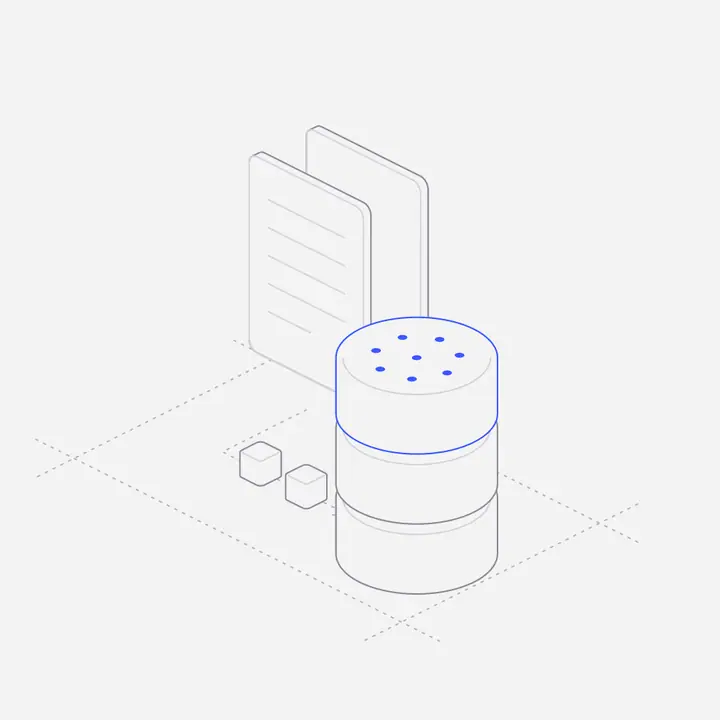
Short answer: use scroll animation to show a process happening (data flowing in, a parcel moving, a report filling up) at the moment the reader reaches the copy that describes it. Tie the animation to the scroll position so it plays forward and back with the reader, keep it inside its own section instead of pinning the page, and switch it off for people who ask for reduced motion.
What is the difference between scroll-linked and scroll-triggered animation?
| Scroll-linked | Scroll-triggered | |
|---|---|---|
| How it plays | Progress follows the scroll position, frame by frame | Starts once when an element enters the screen |
| Scrolling back | Runs in reverse | Usually stays finished |
| Best for | Showing a process or a before and after | Small entrances: fades, counters, a badge appearing |
| Risk | Needs a light renderer to stay smooth | Easy to overuse on every block |
Scroll-linked motion feels like the reader is controlling it, which is why it suits explanations. Triggered motion is fine for small touches, but if every card fades in, nothing stands out.
Why should you avoid pinning sections?
Pinning locks a section in place while the scroll wheel drives an animation. It looks impressive in a demo and frustrates real visitors: the page stops moving when they expect it to, trackpads and phones feel broken, and anyone scanning for the price has to sit through the show. Let the figure play while the page keeps scrolling normally. If the animation needs a whole screen of scroll to make sense, it is too long.
How do you keep scroll animation fast?
- Animate vector shapes or transforms, not layout. Moving SVG parts or using
transformandopacitystays smooth; changing widths and margins does not. - Start only near the viewport. Use an IntersectionObserver so off-screen figures do no work.
- Avoid video for line art. A hairline illustration as SVG is a few kilobytes and stays sharp at any size; the same thing as video is heavier and blurs on large screens.
- One loop for every figure. Several libraries each running their own animation frame loop add up quickly.
How do you make scroll animation accessible?
Respect prefers-reduced-motion: show the finished state of the figure as a still image. Never put essential text inside the animation, keep the copy next to it, and make sure the page reads correctly with the animation absent. Decorative figures should be hidden from screen readers with an empty alt or aria-hidden.
Where do scroll animations work best on a landing page?
- "How it works" sections, where three steps can become one moving figure.
- Integrations, showing data travelling between two products.
- Before and after, such as a messy inbox turning into a sorted one.
- The hero, only if the motion is short and the headline is readable from the first frame.
How do you add a ready-made scroll figure?
Liniqo has 683 interactive figures, 80 of them scroll figures that play as visitors scroll past and run back on the way up, with nothing pinned. Pick one on the scroll page, copy its embed (a div and one script tag) or the React component, and give the container a width. Your AI coding tool can do the same through the Liniqo MCP server.
Questions
Do scroll animations hurt SEO?
Not by themselves. They hurt when they slow the page or hide text inside the animation. Keep copy in HTML, load figures lazily and keep the script small.
Should a scroll animation reverse when scrolling up?
For scroll-linked figures, yes. Playing back with the reader makes the motion feel controlled rather than staged.
Is scroll hijacking bad?
Usually. Taking over the scroll speed or pinning the page breaks what visitors expect, especially on trackpads and phones.
What is the lightest way to add scroll animation?
Animate SVG with a small script that only runs while the figure is on screen, and show a still frame to people who prefer reduced motion.