Blog / Guides
What is an MCP server? A plain-English guide for designers and founders
MCP is how AI assistants get hands: a standard way to connect them to tools and data. If you use Claude, ChatGPT or Cursor, here is what that means for you, in plain words.
By Abdullah NomanOctober 23, 20263 min read
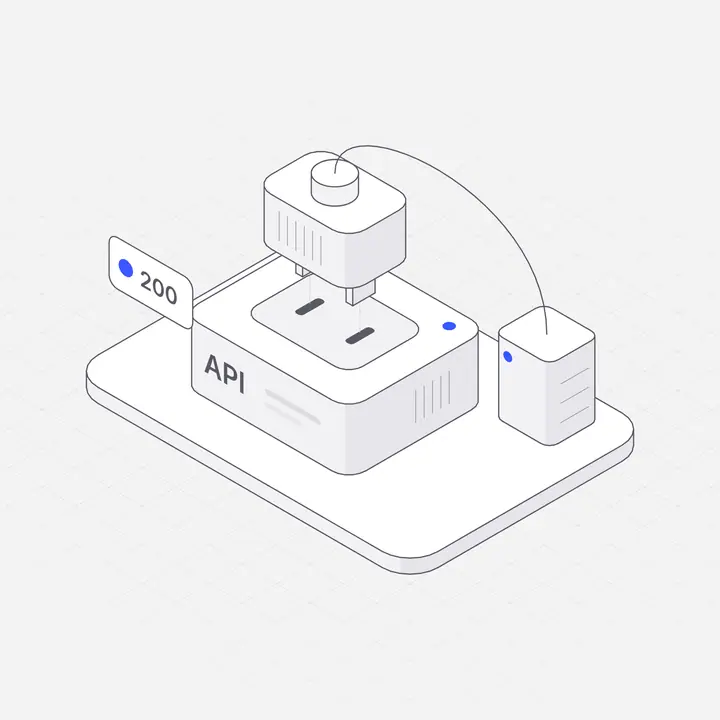
Short answer: an MCP server is a small web service that gives an AI assistant new abilities, such as searching a library, reading a database or creating a file. MCP stands for Model Context Protocol, an open standard introduced by Anthropic in November 2024 and now supported by many AI tools. You connect a server once, then ask the assistant in plain words and it uses the server when it needs to.
An analogy
Think of the assistant as a very capable new colleague who cannot leave their desk. An MCP server is a phone line to one department: the illustration library, the CRM, the calendar. The colleague still does the thinking; the phone line lets them look things up and get things done.
What an MCP server actually contains
- Tools: actions the assistant can take, such as
search_illustrationsorget_illustration. - Descriptions: plain-language notes that tell the assistant when each tool is useful.
- Authentication: usually a sign-in or a key, so the assistant only reaches what you are allowed to use.
Which apps support MCP?
Claude (web, desktop and Claude Code), Cursor, Windsurf, VS Code with Copilot agent mode and ChatGPT (through custom apps in Developer mode on supported plans) can all connect to remote MCP servers. Menu names and plan requirements change often, so check each app's current settings.
How to connect one, in practice
For most people it is three steps: copy the server's URL, add it in the app's connector or MCP settings, and sign in when asked. For example, the Liniqo server is at https://liniqo.com/mcp. In Claude you add it under Settings → Connectors → Add custom connector; in Cursor there is a one-click install link. Step-by-step guides for each app are on liniqo.com/ai.
What it is useful for, if you are not a developer
| You ask | The assistant uses |
|---|---|
| "Find an illustration for an empty inbox, in our green" | An illustration library server |
| "Summarise this week's new deals" | A CRM server |
| "Put a 30-minute call on Thursday" | A calendar server |
| "Add an interactive figure of a server rack to the hero" | An interactive figure server |
Is it safe?
Connect only servers you trust, and prefer ones that use sign-in (OAuth) instead of putting a secret key in the URL. A good server only exposes what it needs. For example, Liniqo's server gives paid embeds a sealed token rather than your licence key, so code it generates is safe to publish.
Questions
What does MCP stand for?
Model Context Protocol, an open standard for connecting AI assistants to tools and data, introduced by Anthropic in November 2024.
Do I need to code to use an MCP server?
No. In apps like Claude you paste the server URL into the connector settings and sign in. Code editors use a small config file or a one-click link.
Is there an MCP server for illustrations?
Yes. The Liniqo MCP server at https://liniqo.com/mcp lets AI tools search 2,648 illustrations and 500 interactive figures and return SVG, React or embed code.