Blog / Illustration packs
E-commerce illustrations for checkout, carts and online stores
Online stores have dozens of small moments, such as an empty cart, a shipped order or a return label, where a friendly picture explains what happens next and keeps shoppers moving.
By Abdullah NomanOctober 13, 20263 min read
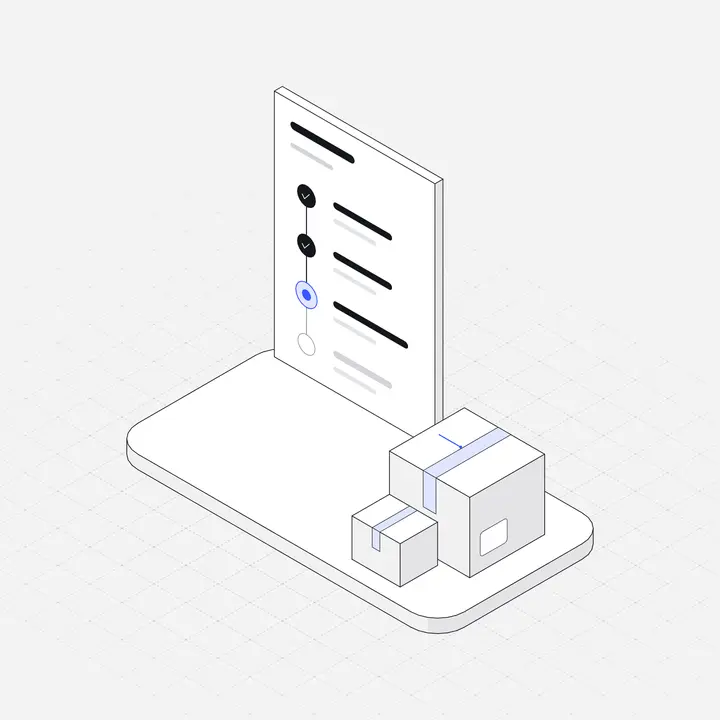
E-commerce illustrations in the Liniqo library
These come from the E-commerce & Checkout, Retail & Shopping packs, drawn in the same hairline isometric style as the rest of the library, with light and dark versions and your accent colour applied to every file.
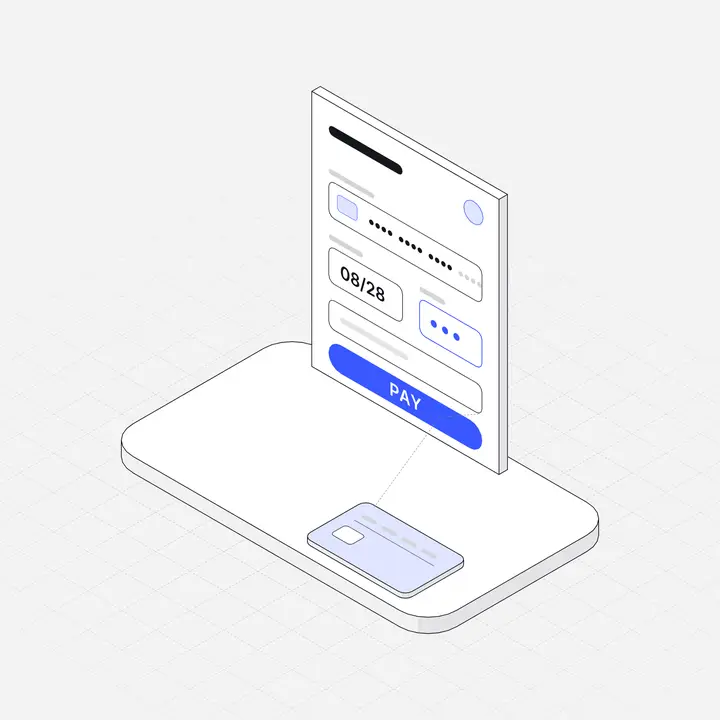 Checkout payment formFreeOrder tracking timelineFree
 Wishlist heart boardFree
 Product review cardsFree
 Abandoned cart reminder
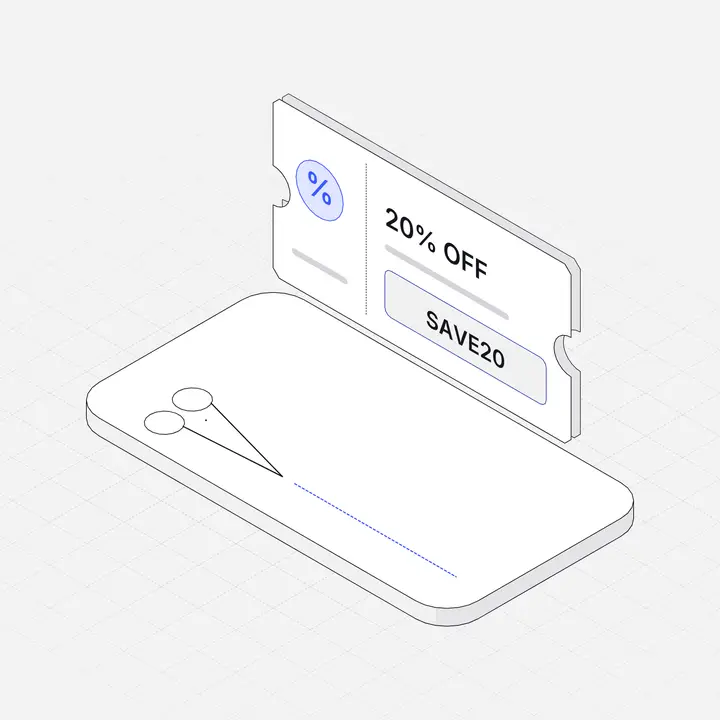 Coupon code ticket
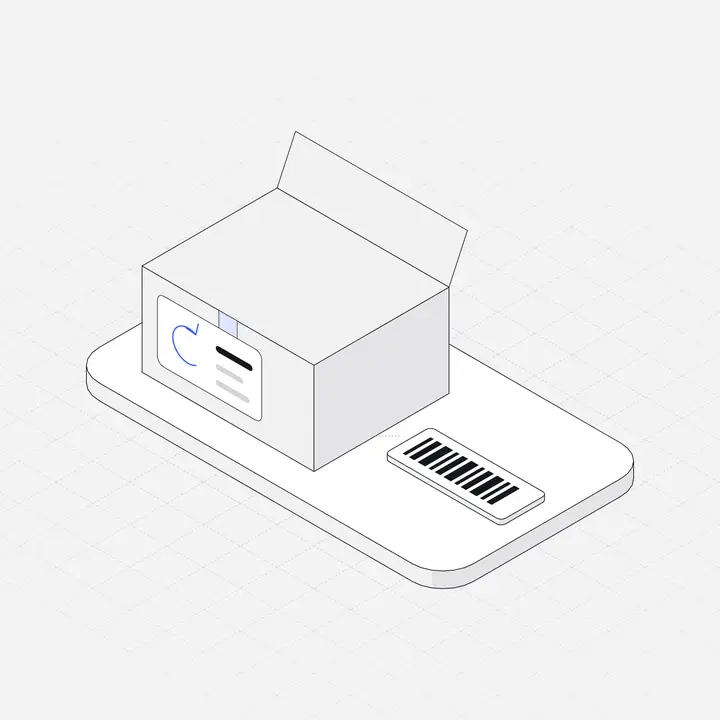 Returns label box
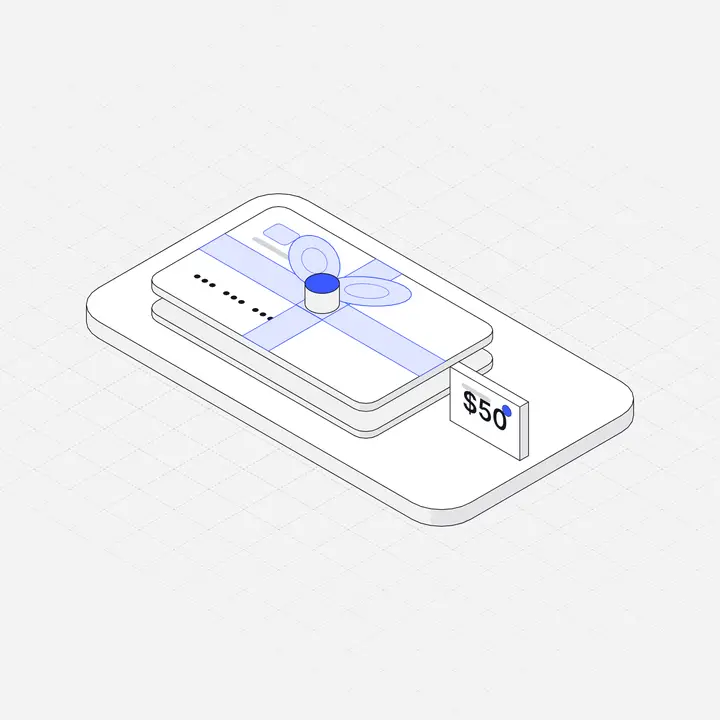 Gift card voucher
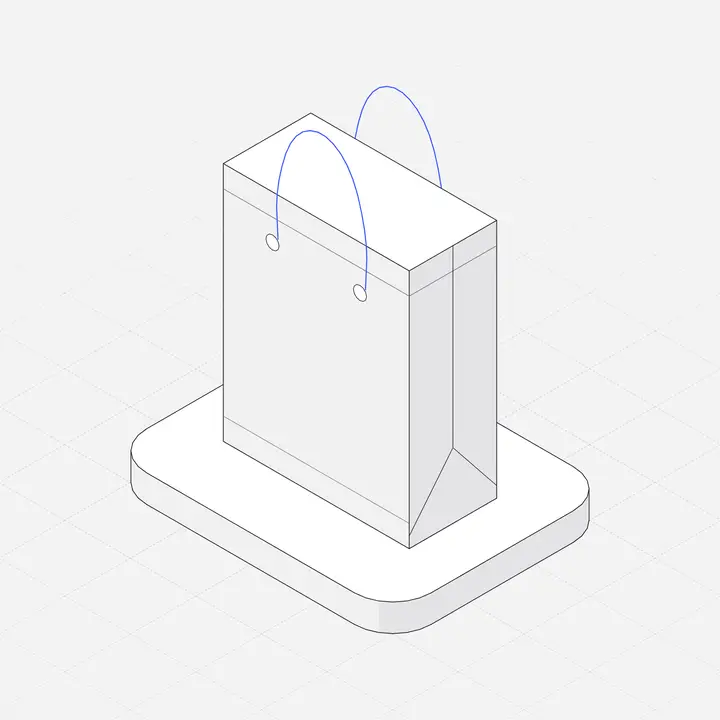 Paper shopping bagFree
Items marked Free can be used commercially with no attribution. Open the library to search all 2,049.
Where to use them
| Screen or section | Illustration idea |
|---|---|
| Empty cart | Shopping bag, shopping basket |
| Checkout | Checkout payment form |
| Order shipped | Order tracking timeline |
| Wishlist | Wishlist heart board |
| Returns | Returns label box |
| Promotions | Coupon code ticket, flash sale countdown, gift card voucher |
What good e-commerce illustrations do
In an online store, product photos sell and illustrations guide. Shoppers meet dozens of system moments, such as an empty cart, an order confirmation, a delayed shipment or a return, and each one is a chance to keep them confident and moving towards the next purchase.
The best store illustrations are small and functional: a shopping bag in an empty cart, a box with a label on the returns page, a tracking timeline on the order status page. They make each step recognisable and give the store a consistent personality without competing with product photography.
The store moments worth illustrating
- Empty cart and empty wishlist.
- Order placed, shipped, delivered.
- Returns and refunds.
- Promotions, coupons and gift cards.
- Account pages with no orders yet.
- Help and size guides.
Six to ten illustrations in one style cover most stores, and they work just as well in transactional emails.
Tips for e-commerce illustrations
- Put an illustration in the empty cart with a clear "Continue shopping" button.
- Use illustrations for status (shipped, delivered, returned), never instead of the status text.
- Keep product photos as the hero; illustrations support the journey around them.
- Use your brand accent for the action the shopper should take next.
Keep it consistent
Use the same style for the marketing site and the product, so signing up does not feel like entering a different brand. Match the illustration accent to your primary button, and size feature illustrations identically. More in Illustrations for websites and Empty state illustrations.
Questions
Where do online stores use illustrations?
Empty carts, order status pages, returns, wishlists, promotions and help pages, around the product photography.
Should product pages use illustrations?
Use real product photos for products. Illustrations work better for the journey: cart, checkout, shipping and returns.
Are there free e-commerce illustrations?
Yes. Several Liniqo e-commerce pieces are free for commercial use, including checkout, order tracking, wishlist and shopping bag illustrations.