Blog / Industry
Illustrations for HR, payroll and expense software
HR and finance tools handle personal things: pay, leave, reviews. Illustration can make those screens feel human without the awkwardness of stock photos of smiling teams.
By Abdullah NomanNovember 5, 20263 min read

Short answer: use object-based scenes for the moments your users recognise (an onboarding checklist, a time-off calendar, a payroll run, a scanned receipt) on empty states, onboarding steps and landing-page feature blocks. Objects avoid the problems of people imagery in HR products: nobody feels misrepresented, and the style stays consistent across hundreds of screens.
Why not use photos of people?
Stock photos of teams look the same on every HR site, rarely match your users, and date quickly. Drawn characters raise the same questions about who is shown. Objects and documents do the job without that baggage, and a hairline style keeps sensitive screens such as pay and reviews calm.
Which scenes does an HR product need?
- Hiring: job posting, applicant pipeline, interview scorecard, offer letter.
- Onboarding: checklist, handbook, training badge, team directory.
- Time and performance: time-off calendar, goals board, review form, pulse survey, kudos.
Which scenes does a payroll or expense product need?
- Payroll: a payout run, payslip, payroll calendar, contractor payments abroad, bonus payout.
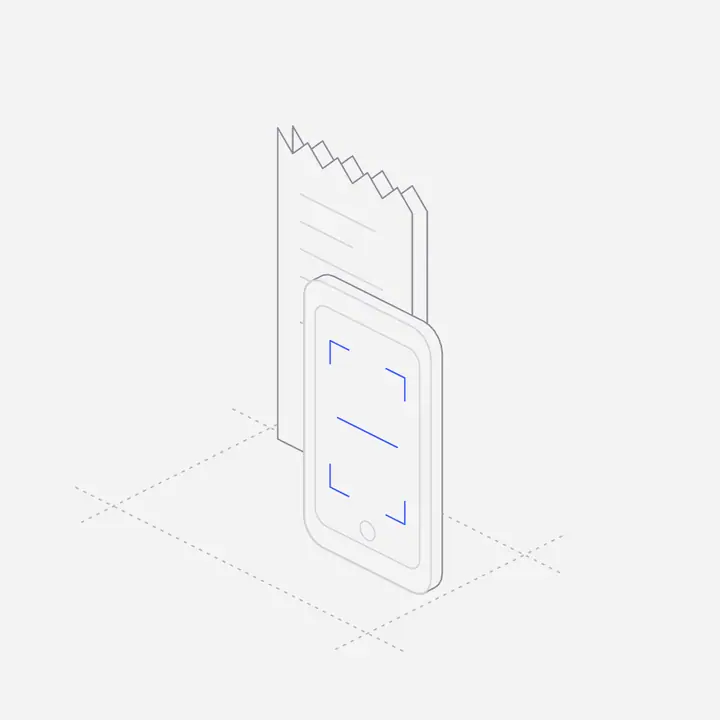
- Expenses: receipt scanner, reimbursement approval, corporate card with controls, mileage tracking, spending limits.
- Compliance: tax filing folder, invoice approval stamp.
Where should illustrations go in an HR or payroll app?
- Empty states: "No time-off requests yet", "No expenses to review". Show the object and one action.
- Onboarding steps: connect payroll, invite employees, import the org chart.
- Success moments: payroll sent, expense approved. A small confirmation figure makes routine work feel finished.
- Help centre and docs: one figure per article category helps people scan.
How should illustrations feel in a finance product?
Precise and quiet. Use one accent colour, consistent line weight and no jokes on screens that touch money. Dark versions matter too, because many finance teams work in dark mode.
Where can you get HR and payroll illustrations?
Liniqo has an HR & People pack and a Payroll & Expenses pack, 25 scenes each, plus Accounting & Tax and Personal Finance, all in the same style and in your brand colour. Browse them in the library.
Questions
What illustrations work for an HR software website?
Object scenes for hiring, onboarding, time off and reviews, used on feature blocks, empty states and onboarding.
Should HR software use illustrations of people?
It can, but objects avoid representation problems and keep a large product consistent. Many teams mix a few photos of real customers with object illustrations.
Do I need dark mode illustrations for a payroll app?
If your app has a dark theme, yes. Light illustrations on a dark background look pasted in.
Can I recolour the illustrations to my brand?
Yes. Pick your accent colour in the library before you download, or change one CSS variable in the SVG.