Blog / Guides
Interactive illustrations: what they are and when to use them
An interactive illustration changes when the visitor does something: moves the pointer, scrolls, taps or drags. Done well, it turns a picture people glance at into one they play with for a second. Here is what counts as interactive, where it helps and where it does not.
By Abdullah NomanOctober 16, 20264 min read

Most illustrations on the web are pictures: you look at them and move on. Some play an animation when the page loads. An interactive illustration goes one step further and responds to what the visitor does, so the drawing is different for every person who touches it.
The short definition
An interactive illustration is a drawing that reacts to user input in real time. The input is usually the pointer (mouse, trackpad, finger or pen), sometimes scrolling, clicks or taps. The reaction can be small, such as a part lifting where the cursor is, or a whole scene that changes state.
On websites these are almost always SVG drawings driven by JavaScript or by an animation runtime, because SVG keeps every line and shape as a separate element that code can move. SVGator's collection of interactive SVG examples groups them the same way this guide does: hover, click, scroll, tap and multi-state.
Static vs animated vs interactive
| Static | Animated | Interactive | |
|---|---|---|---|
| What moves | Nothing | A fixed sequence, the same for everyone | Whatever the visitor's input drives |
| When | Never | On load, on scroll into view, or in a loop | While someone hovers, drags, scrolls or taps |
| Typical format | SVG, PNG, WebP | CSS-animated SVG, Lottie, video | SVG plus JavaScript, Rive, Lottie with state machines, WebGL |
| Cost | Lowest | Low to medium | Medium; needs a script and some care |
| Best for | Most of a product | Heroes, success moments, draw-on reveals | A few places where you want people to linger |
Animated and interactive are not rivals. A drawing can draw itself in on load and then respond to the pointer afterwards. We cover the CSS side of animation in Animated SVG illustrations.
The kinds of interaction that work on the web
Pointer-following
The drawing tracks the cursor: eyes turn towards it, the item under it lifts, a chart bar grows where the pointer is. This is the most natural kind for illustrations because it needs no instructions. People move their mouse anyway. If you want to build one by hand, see How to make an SVG react to the mouse cursor.
Hover states
A simpler cousin: one change when the pointer enters, another when it leaves. Good for cards and buttons, a bit flat for a whole illustration.
Scroll-driven
The drawing changes as the page scrolls: parts assemble, a path draws, a scene moves at a different speed than the text. Scroll is universal across mouse and touch, but scroll-jacking (taking over the scrollbar) annoys people quickly.
Click, tap and drag
Toggles, sliders, things you can pick up. These work when the illustration really is a small toy or a demo. They are the riskiest kind, because people may not realise a picture is clickable.
Where interactive illustrations help
- The landing page hero. The first thing people see, and the place they are most likely to move the pointer around. See How to build an interactive hero section.
- Explaining how something works. A pipeline where the stage under the pointer opens, or a ledger whose pages turn, says "this is a sequence" better than a caption.
- Feature sections, one figure per feature, so a long page has a few places that respond.
- Empty states and onboarding, where nothing else on screen is moving. See Interactive empty states and onboarding.
- Docs, changelogs and launch posts, as a small reward for reading.
Where they get in the way
- Next to forms and dense data. Anything that moves pulls the eye away from fields and numbers.
- When the meaning depends on the interaction. If a fact is only visible after a hover, phone users and keyboard users never see it.
- Everywhere at once. Ten figures responding on one screen feels like noise. One or two per view is plenty.
- When the page is already slow. Fix that first; then add interaction that loads lazily.
Four checks before you add one
- Does it work without the interaction? The resting state must look finished, because many visitors will never hover.
- Does it work on touch? See Hover effects on mobile.
- Does it respect reduced motion? See Accessible interactive illustrations.
- What does it weigh? A small script that loads near the viewport is fine. A multi-megabyte 3D scene in the hero is not. See the performance checklist.
Interactive illustrations from Liniqo
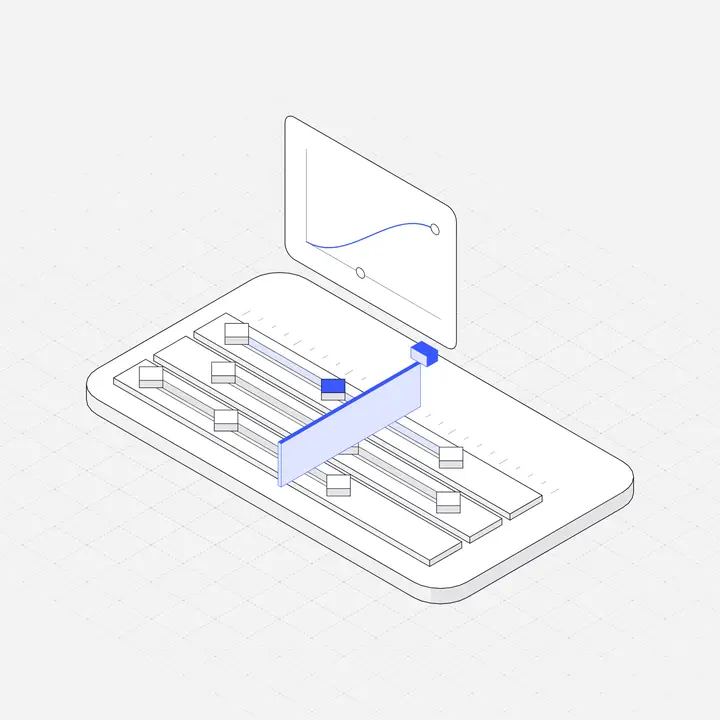
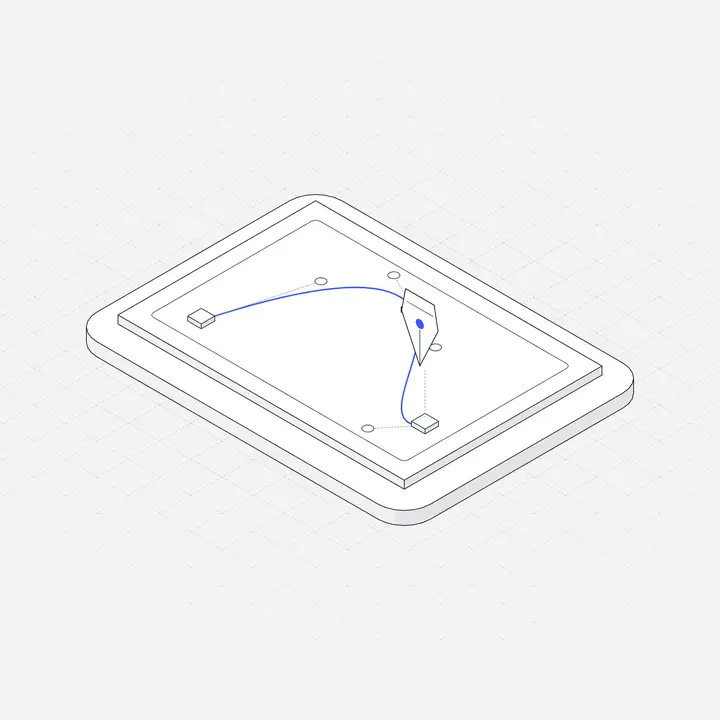
Liniqo Live is a set of 500 interactive figures in the same hairline isometric style as the 2,049 still illustrations. Each one reacts to the pointer in a way that fits its subject: crates come down to their landing pads, a calendar day lifts with its week, a checkout belt carries groceries to the scanner. You embed one with a single line of HTML:
<div data-liniqo="sandbox"></div>
<script src="https://liniqo.com/live/embed.js" async></script>
23 figures are free for commercial use; all 500 come with the Pro and Lifetime plans (see pricing). You can try every figure in the library, recolour it, and copy its embed code.
Questions
What is an interactive illustration?
A drawing that reacts to user input such as pointer movement, scrolling, clicks or taps, so it changes while the visitor interacts with it instead of only playing a fixed animation.
What is the difference between animated and interactive illustrations?
An animated illustration plays the same motion for everyone, on load, on scroll or in a loop. An interactive one responds to the visitor, so what moves and when depends on their input.
Are interactive illustrations bad for performance?
Not if they are SVG-based, small and loaded lazily near the viewport. Heavy 3D scenes loaded at the top of the page are the usual cause of slow pages.
Where can I get interactive illustrations?
You can build them with SVG and JavaScript, Rive or Lottie, or use ready-made ones. Liniqo Live has 500 interactive hairline figures, 23 of them free, embedded with one line of HTML.