Blog / Guides
How to make an AI-built website not look AI-generated
AI builders get you a working site in minutes, and the same look as thousands of others. These are the changes that make the biggest difference, in the order we would make them.
By Abdullah NomanOctober 23, 20263 min read
Short answer: AI-built sites look generic because they share the same defaults: purple-to-blue gradients, centred everything, emoji icons, stock-style images and vague copy. Replace those defaults with one deliberate visual style, specific words and consistent spacing, and the site stops looking generated.
What gives an AI-built site away
- A purple or blue gradient hero with a glowing blob behind the headline.
- Headlines like "Revolutionize your workflow" that could belong to any product.
- Emoji or mixed icon sets as section markers.
- Every section centred, every card with the same rounded corners and drop shadow.
- Images from different sources: a 3D render here, a photo there, a flat cartoon somewhere else.
1. Pick one visual style and use it everywhere
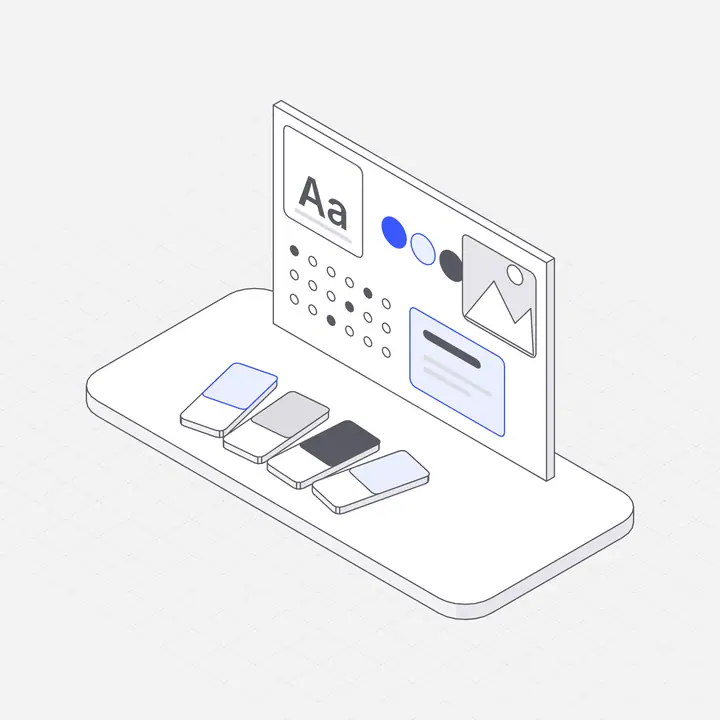
This is the biggest single change. Choose one illustration style and use it for the hero, features, empty states and errors. A consistent set does more than any individual picture, because consistency is what people read as "designed". Hairline isometric illustrations work well for software because they show systems and objects clearly at any size.
2. Replace the gradient with your brand colour
Ask the builder to remove decorative gradients and use one accent colour for buttons, links and the accent in your illustrations. Neutral backgrounds with one strong colour look intentional.
3. Rewrite the hero in your own words
Say who it is for and what it does, in one sentence a customer would use: "Invoices that chase themselves" beats "The future of finance". Put a real number or detail in the sub-headline.
4. Fix spacing and alignment
Ask for one spacing scale (for example 8, 16, 24, 48, 96 pixels), left-aligned body text, and section padding that is the same everywhere. Uneven spacing is the most common tell after colour.
5. Show the product, or a picture of what it does
Abstract blobs say nothing. A product screenshot or an illustration of the thing your product does (a server rack for hosting, a calendar for scheduling) tells visitors what they are looking at.
6. Add one moment of motion, not ten
A single interactive element in the hero, such as a figure that follows the pointer, makes people stop. Animations on every section make them scroll faster.
7. Design the empty and error states
AI builders rarely design what happens when there is no data or something fails. A friendly empty state with an illustration and one clear button is where users decide whether the product feels finished.
A prompt that applies most of this at once
Make this site look designed rather than generated: remove decorative gradients,
use one accent colour (#3b5bff) for buttons, links and illustration accents,
left-align body text, use one spacing scale (8/16/24/48/96), replace emoji icons,
and replace stock images with the Liniqo illustrations I pasted above.
Questions
Why do AI-generated websites look the same?
They start from the same defaults: similar gradients, layouts, icon styles and stock-like imagery. Changing those defaults to one deliberate style is what makes a site look custom.
What is the fastest fix?
Use one consistent illustration style across the whole site and one accent colour. Those two changes remove most of the generated look.
Can I do this without a designer?
Yes. Use a ready-made illustration library in your brand colour and give your AI builder specific instructions about colour, spacing and copy.