Blog / Industry
Illustrations for AI agent and assistant products
Most AI products are illustrated with the same robot heads and purple gradients. Showing what the agent actually does is clearer, and makes your product look like its own thing.
By Abdullah NomanNovember 5, 20263 min read
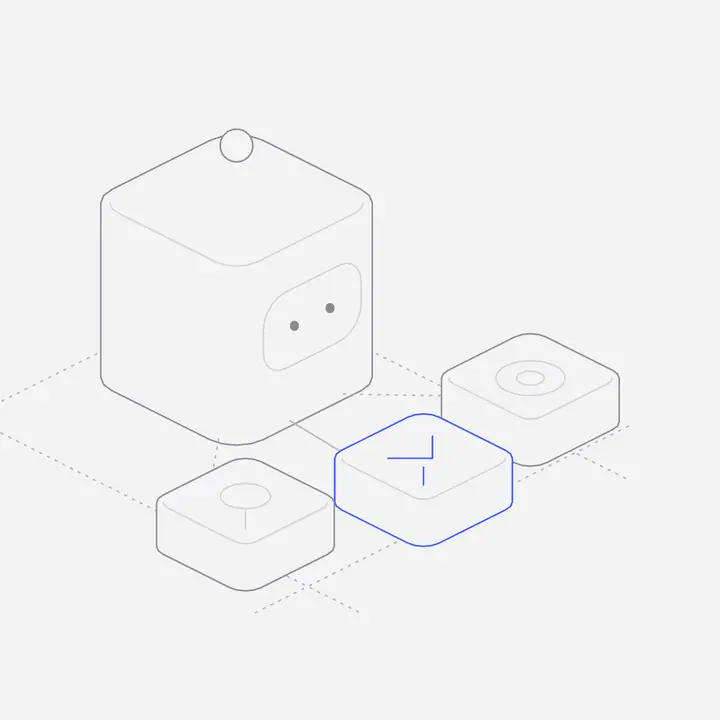
Short answer: illustrate the work, not the robot. Show the agent calling a tool, a queue of tasks being worked through, a person approving a step, documents flowing into a retrieval pipeline. These scenes explain the product and look distinct from the generic "AI" imagery most competitors use.
Why avoid robots and glowing brains?
They say "AI" and nothing else. Every competitor uses them, so they make your page look like everyone’s, and they hint at science fiction when buyers want to know whether the thing is reliable. Concrete objects (a checklist, a gate, a stack of documents) say what your agent does and how it is controlled.
Which scenes explain an AI agent product?
| Concept | Scene | Use it for |
|---|---|---|
| Tool use | An agent reaching into apps and APIs | Hero, integrations |
| Task queue | Cards moving from waiting to running to done | How it works |
| Human in the loop | An approval step before an action runs | Trust and safety section |
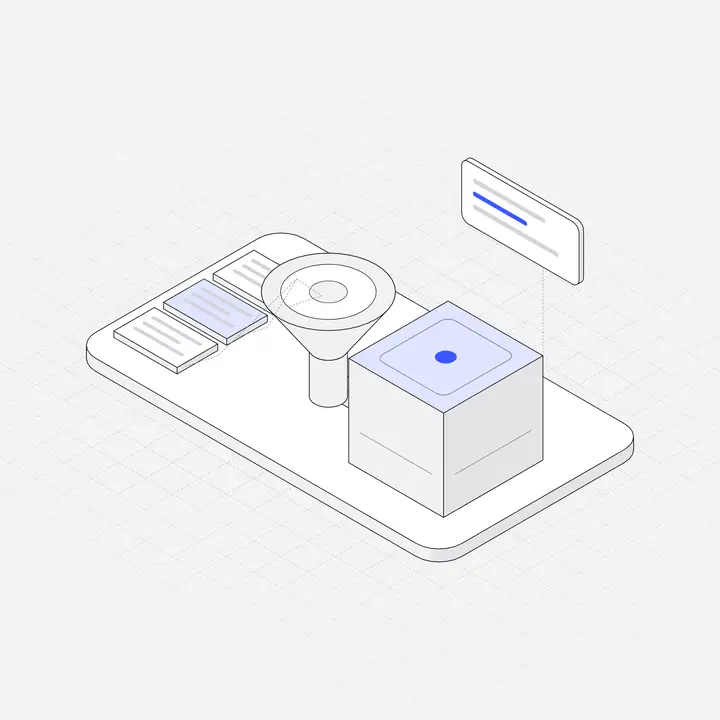
| Guardrails | A gate filtering prompts | Security page |
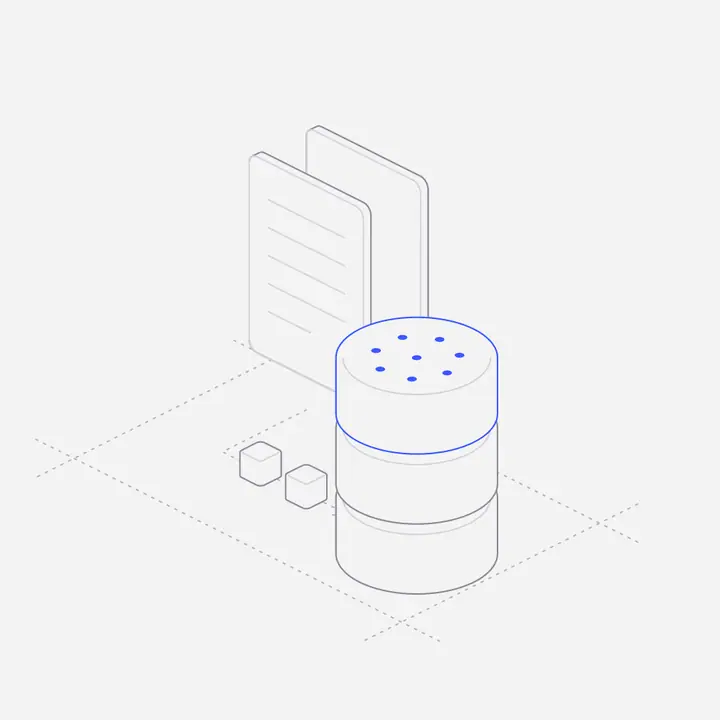
| RAG | Documents flowing into a pipeline and a vector store | Docs, technical landing pages |
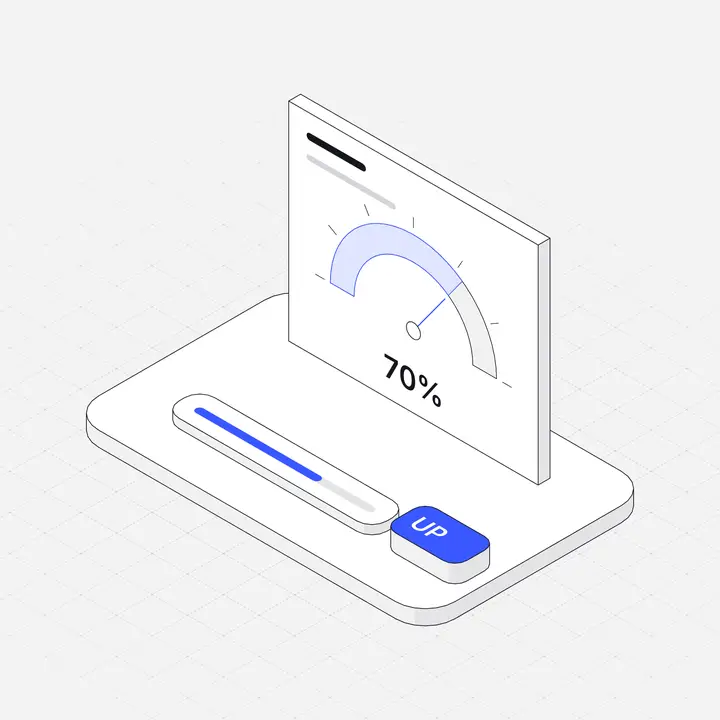
| Evaluation | A scorecard with passes and fails | Quality and reliability |
Where do illustrations help most in an AI product?
- Empty states: an empty chat or an agent with no tasks yet is a chance to show what to try first.
- Onboarding: "Connect your tools", "Add your documents", "Set your guardrails" each deserve a picture.
- Landing pages: a scroll figure of a task moving through the queue explains the product in one glance.
Should AI products use animated illustrations?
A little motion suits them, because agents do things over time. A queue that advances as the reader scrolls, or a figure that reacts to the pointer, shows activity without a video. Keep it short and respect reduced-motion settings.
Where can you get AI agent illustrations?
Liniqo’s AI Agents & Assistants pack has 25 scenes, from tool calls and memory to model routing and multi-agent teams, alongside the AI & Machine Learning pack, all in one hairline style. Browse them in the library, or let Claude, Cursor or v0 fetch them through the MCP server.
Questions
What images should I use for an AI startup website?
Concrete scenes of what your product does, such as tool calls, task queues, approvals and data pipelines, rather than robots or abstract gradients.
How do I show trust and safety in AI product visuals?
Illustrate the controls: an approval step, a guardrail gate, an audit log or an evaluation scorecard.
Can I generate AI product illustrations with an image model?
You can, but keeping dozens of images in one consistent style is hard. A library drawn in one style is easier to keep consistent across a whole product.
Are Liniqo’s AI illustrations free?
Some are, and the free set covers every pack type. The full AI packs come with the paid plans.