Blog / Illustration packs
AI illustrations for LLM, agent and machine learning products
AI products face a visual problem: everyone uses the same glowing brain. Specific AI illustrations, such as a retrieval pipeline, an embedding space or an agent workflow, explain what your product actually does.
By Abdullah NomanOctober 13, 20263 min read

AI illustrations in the Liniqo library
These come from the AI & Machine Learning pack, drawn in the same hairline isometric style as the rest of the library, with light and dark versions and your accent colour applied to every file.
 AI agent workflowRAG retrieval pipeline
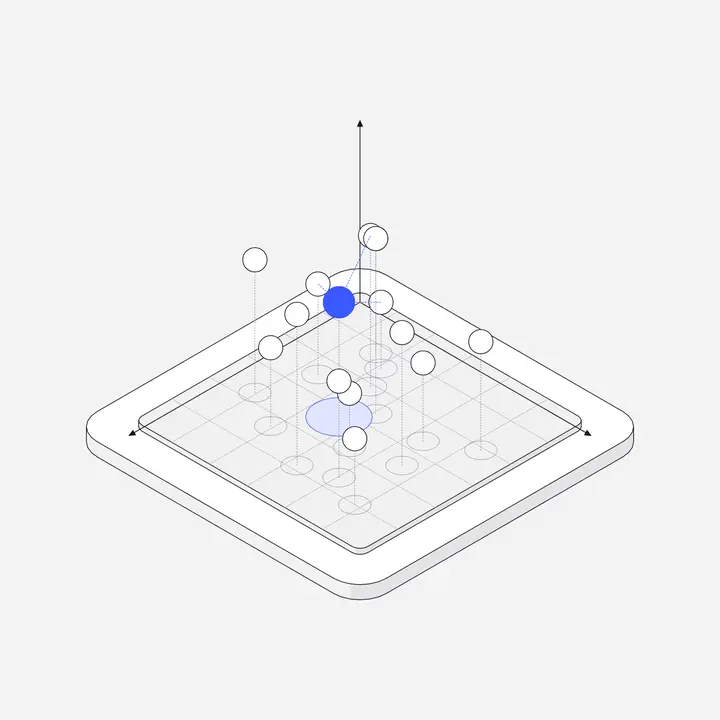 Vector embedding spaceFree
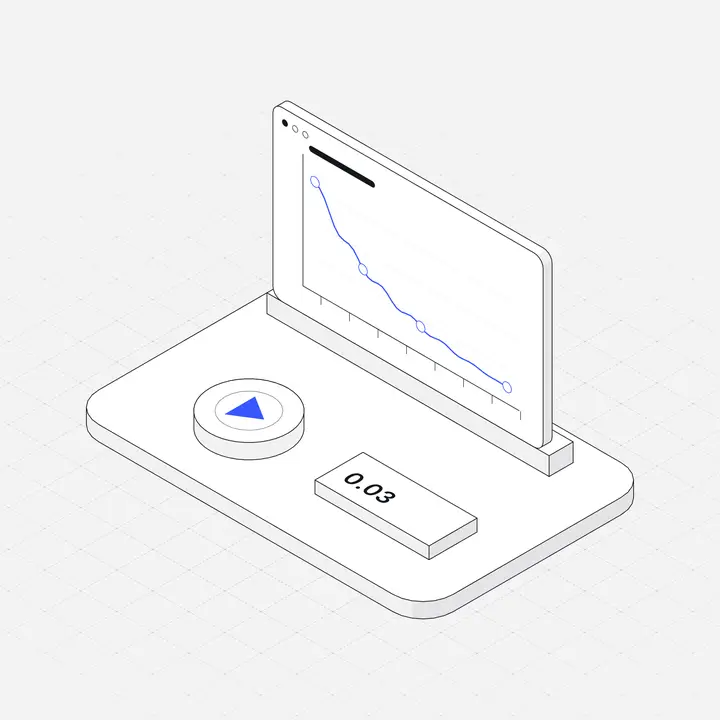 Training loss curveFree
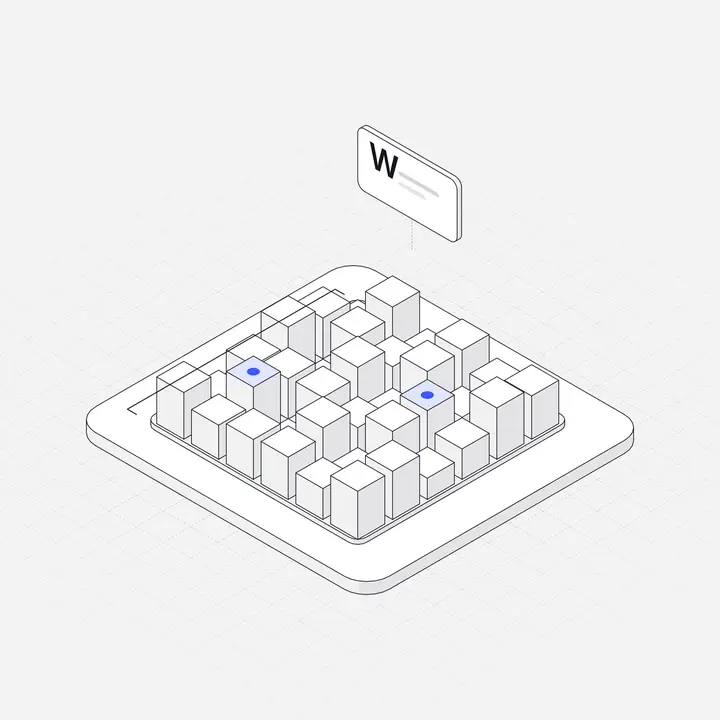 Model weights matrixFree
 Guardrail filter gate
 GPU cluster rack
 Inference API gateway
 Data labeling tray
Items marked Free can be used commercially with no attribution. Open the library to search all 2,049.
Where to use them
| Screen or section | Illustration idea |
|---|---|
| Agent or automation feature | AI agent workflow |
| Search over your docs | RAG retrieval pipeline, vector embedding space |
| Fine-tuning and training | Training loss curve, fine-tune dial rack |
| Safety and policy | Guardrail filter gate |
| API and infrastructure | Inference API gateway, GPU cluster rack |
| Data preparation | Data labeling tray |
Why AI products need specific illustrations
Almost every AI product launched in the last few years used the same visuals: a glowing brain, a robot hand, a purple gradient with sparkles. They say "AI" but nothing about what the product does, so every AI site looks the same.
The fix is to illustrate the mechanism. If the product answers questions from company documents, show documents flowing into a retrieval pipeline. If it runs agents, show the steps of a workflow. If it trains models, show the loss curve dropping. Technical buyers recognise these immediately, and non-technical buyers get a clearer mental model than "magic".
Matching illustrations to AI features
- Chat over your data: retrieval pipeline, document search, embeddings.
- Automation and agents: workflow steps, tools, checkpoints.
- Model training and evaluation: loss curves, weight matrices, labelled data.
- Safety and governance: guardrails, filters, audit logs.
- Infrastructure: GPU racks, inference gateways, model registries.
Tips for AI illustrations
- Show the mechanism, not magic: a pipeline beats a sparkle.
- Use one AI accent colour consistently so AI features are recognisable across the product.
- Pair AI illustrations with plain-language copy about what the feature does.
- Avoid human-like robots unless your product is literally robotics.
Keep it consistent
Use the same style for the marketing site and the product, so signing up does not feel like entering a different brand. Match the illustration accent to your primary button, and size feature illustrations identically. More in Illustrations for websites and Empty state illustrations.
Questions
What are AI illustrations?
Illustrations that represent AI concepts and products, such as agents, retrieval, embeddings, training and model infrastructure.
How do I avoid cliché AI visuals?
Illustrate the specific mechanism your product uses, like retrieval or an agent workflow, instead of generic brains, robots and sparkles.
Can I use AI illustrations in an AI product built with Cursor or Claude?
Yes. Liniqo connects to Claude, Cursor and other AI tools over MCP, so they can place the illustrations for you.