Blog / Guides
How to create an illustration style guide for your product
Illustrations drift: a new feature, a new freelancer, an AI image, and suddenly the product looks patched together. A one-page style guide stops that.
By Abdullah NomanOctober 23, 20263 min read
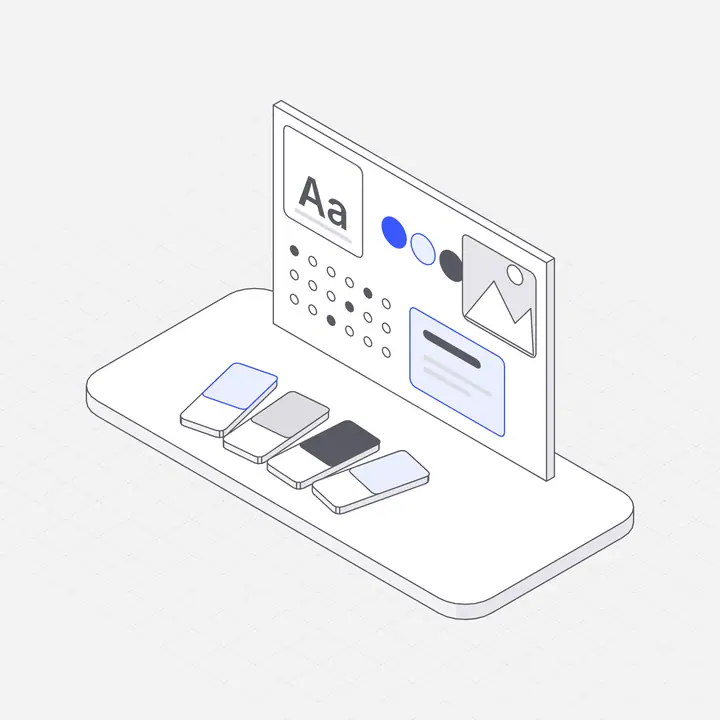
Short answer: an illustration style guide is a short document that defines how every illustration in your product looks and is used: the projection or angle, stroke weight, colours, level of detail, sizes for each placement, file formats and examples of what to do and avoid. It keeps a growing product consistent no matter who or what makes the next picture.
The eight rules to write down
- Projection: isometric, flat or perspective, and the exact angle.
- Stroke: one line weight at each display size, and whether outlines are used at all.
- Colour: neutrals for structure, one accent for the important part, and how both change in dark mode.
- Detail level: how many elements a scene may have, so a simple icon and a hero look related.
- People: whether illustrations include people, and if so how they are drawn.
- Placement sizes: hero, feature, empty state, inline icon.
- Files: SVG for web and apps, PNG for email and slides, naming convention.
- Motion: where animation and interaction are allowed, and the reduced-motion fallback.
A template you can copy
Illustration style: hairline isometric, 30° grid
Stroke: 1.5px at 400px display width; outer outline full weight
Colour: neutrals #5a5a64 / #c8c8ce, accent = brand (#3b5bff), dark mode tokens
Detail: 3–7 objects per scene; one focal object
Sizes: hero 480–640px · feature 200–280px · empty state 160–220px
Files: SVG (web/app), PNG 2x (email/slides); name: area-object.svg
Motion: one interactive figure per page max; respect reduced motion
Don't: mix 3D renders, emoji or stock photos with illustrations
Using a library as your style guide
If you use one illustration library, most rules are already decided for you: one projection, one stroke system, one colour logic. Your guide then only needs placement sizes, your accent colour and file rules. That is the fastest route for small teams.
Keep it alive
Put the guide in your design system, review new illustrations against it, and keep five to ten approved examples next to the rules. Examples teach faster than rules.
Questions
What is an illustration style guide?
A short document that defines how illustrations look and are used in a product: angle, stroke, colour, detail, sizes, files and motion, with examples.
Do small teams need one?
A one-page version, yes. It prevents the patched-together look as more people and AI tools add images.
How do I make AI-generated images follow the guide?
It is hard to keep generated images consistent. A library drawn in one system, recoloured to your brand, is easier to keep on-guide.