Blog / Pages
Maintenance and error pages that keep users calm
Errors are when people trust you least. A good error screen says what happened in plain words, what they can do now, and when things will be normal again.
By Abdullah NomanNovember 5, 20263 min read
Short answer: every error screen needs three things: what happened, in plain language; what the person can do right now (retry, go back, contact you); and, for outages, when it will be fixed and where to check status. Keep the tone calm, never blame the user, and use a quiet illustration so the screen feels designed rather than broken.
What should each error screen say?
| Screen | Say | Offer |
|---|---|---|
| 500 / server error | Something went wrong on our side. Your work is safe. | Retry, status page, support link |
| Scheduled maintenance | We are upgrading. Back by 14:00 UTC. | Time in the visitor’s zone, status page |
| Rate limited | Too many requests. Try again in 30 seconds. | A countdown, docs on limits |
| Session expired | You were signed out to keep your account safe. | Sign in again, returning to the same page |
| Payment failed | Your card was declined. Nothing was charged. | Try another card, update billing |
| Connection lost | You are offline. We will reconnect automatically. | Retry; keep unsaved input |
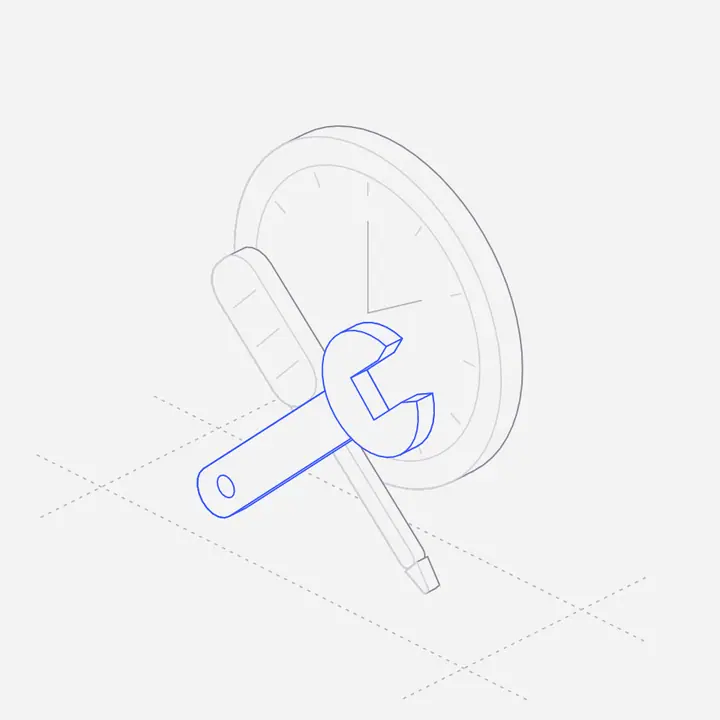
How should a maintenance page be built?
- Serve it with status 503 and a
Retry-Afterheader, so search engines know the outage is temporary. - Keep it self-contained: inline CSS and an inline SVG, so it works even when your app servers do not.
- Give an end time, shown in the visitor’s time zone, and update it if the work runs over.
Should error pages be funny?
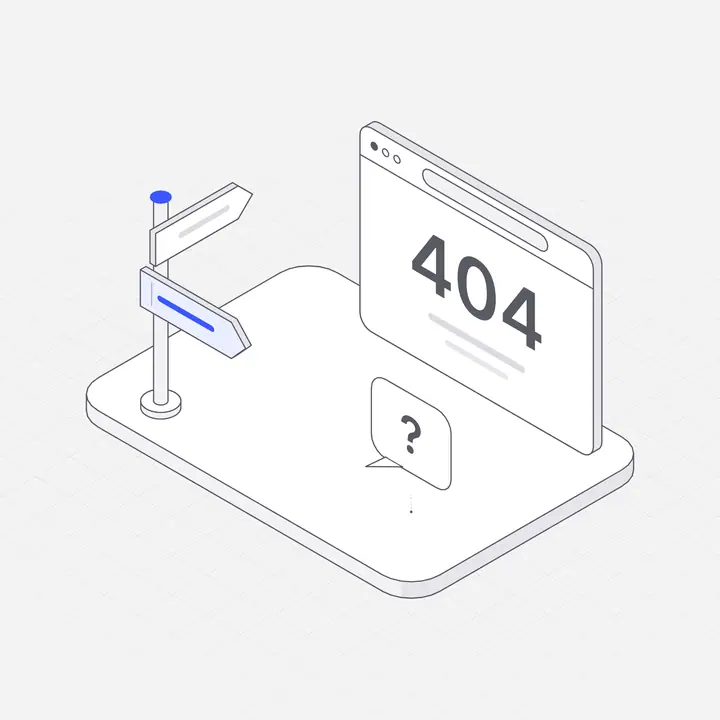
Light, yes; jokey, rarely. A 404 can afford a wink because nothing is lost. A failed payment or a 500 during checkout cannot: the person is worried about money or work. Match the tone to what the user stands to lose.
What kind of illustration suits an error screen?
Something that shows the situation without drama: an hourglass for an expired session, a gate for a rate limit, an unplugged cable for a lost connection. A thin, neutral line style keeps the screen calm, and one accent colour can point to the action. Avoid sad faces and broken robots on screens where money or data is involved.
Where can you get error and maintenance screens?
The Errors & Maintenance pack in the Liniqo library covers server errors, maintenance, access denied, rate limits, timeouts, failed uploads and more, in light and dark. Four ready-made maintenance and error pages are in the pre-built pages.
Questions
What HTTP status should a maintenance page return?
503 Service Unavailable, ideally with a Retry-After header, so search engines treat the downtime as temporary.
What should a 500 error page say?
That the problem is on your side, that the user’s work is safe if it is, and what they can do now: retry, check status or contact support.
Should error messages include error codes?
Include a short reference code in small text for support, but lead with a plain-language explanation.
How is a 404 page different from a 500 page?
A 404 means the page does not exist; a 500 means your server failed. A 404 should help people find something else; a 500 should reassure them and offer a retry.