Blog / Industry
Illustrations for restaurant, ordering and POS apps
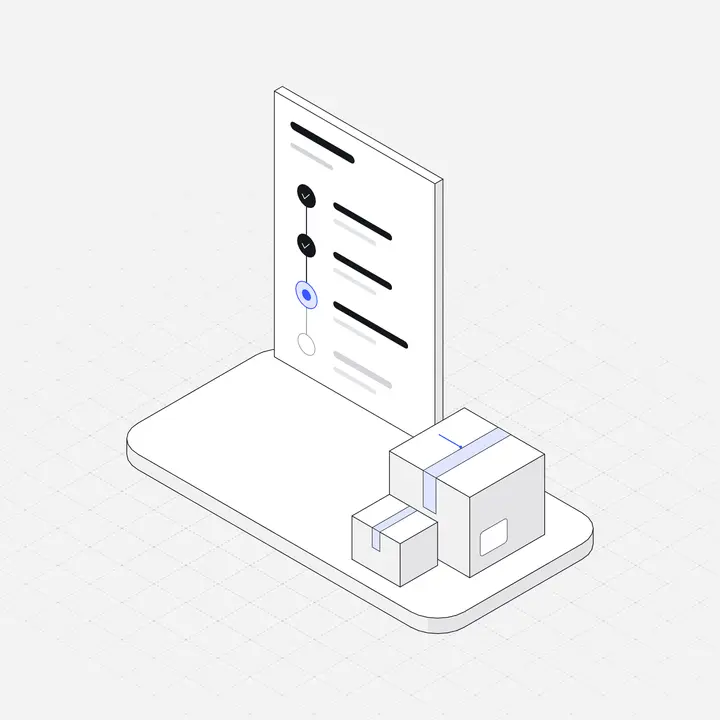
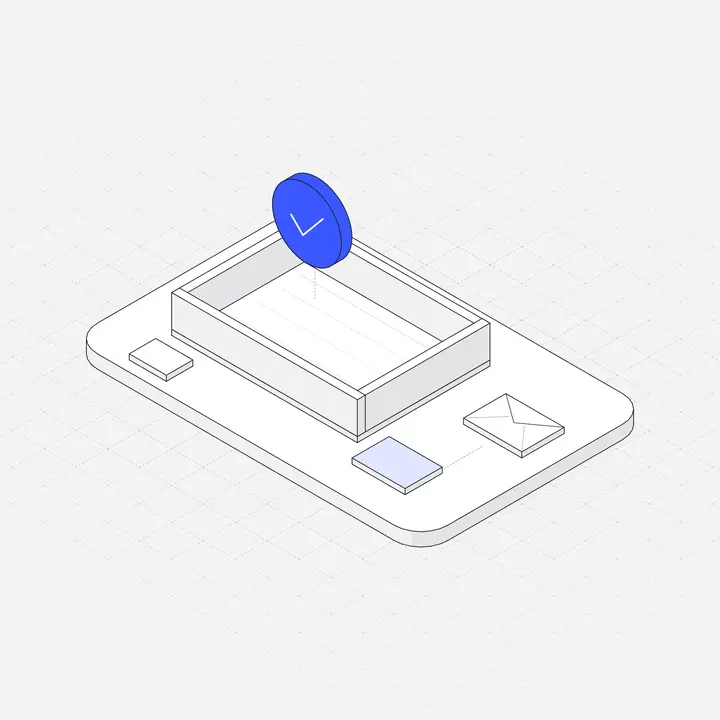
Restaurant software is used in a hurry, by staff and guests who will not read instructions. Clear pictures of familiar objects do a lot of the explaining.
By Abdullah NomanNovember 5, 20263 min read
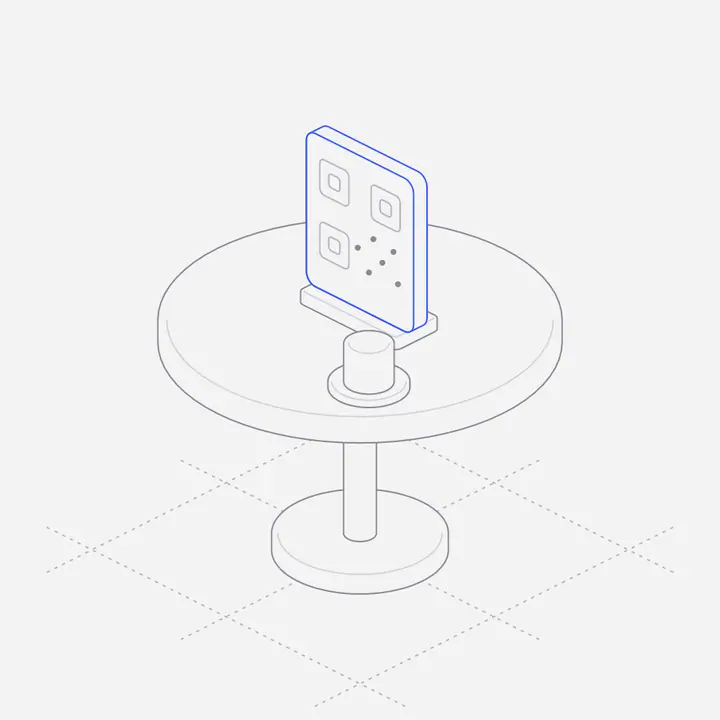
Short answer: show the object the person is about to use: the QR stand on the table, the order ticket on the rail, the bill being split, the reservation book. In a POS or ordering app these scenes work best on empty states, setup steps and the landing page, where they explain each feature faster than a paragraph.
Which scenes does restaurant software need?
| Feature | Scene |
|---|---|
| Table ordering | QR code on a table stand, a phone showing the menu |
| Kitchen | Kitchen display screen, order tickets on a rail |
| Front of house | Waiter tablet, table map with statuses, reservation book |
| Payments | Split the bill, tip selection, receipt printer |
| Delivery and takeaway | Online order bag, delivery app phone, combo meal tray |
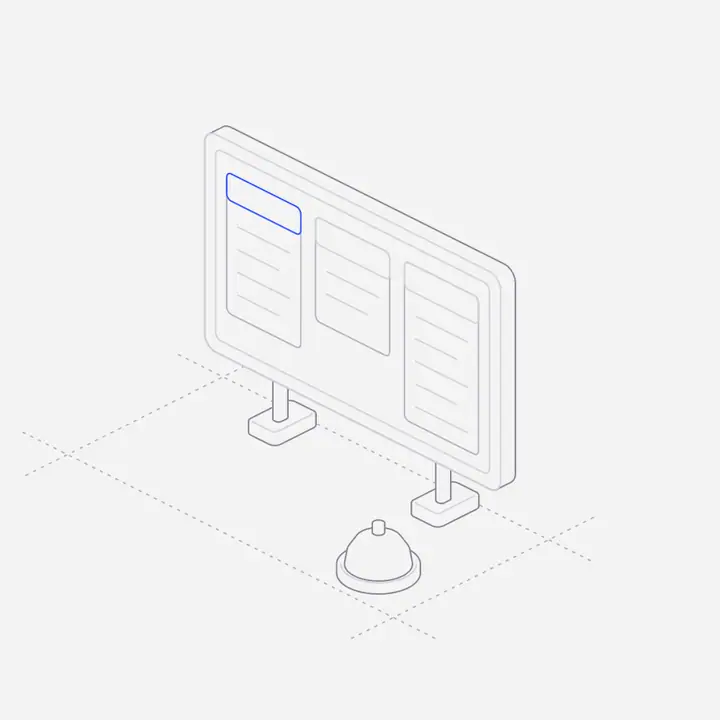
Where do illustrations help in a POS?
- Setup: "Add your menu", "Map your tables", "Connect a printer". A picture per step helps owners who are not technical.
- Empty states: no open orders, no reservations tonight. Calm, not cute.
- Offline and error screens: printer not found, connection lost. Show the device, say what to check.
What about the guest-facing side?
Guests ordering from a QR code want food, not decoration. Keep illustrations to the confirmation ("Order sent to the kitchen") and to errors, and let food photography carry the menu. One small figure on the confirmation reassures people their order went through.
How do you keep restaurant app visuals readable?
Restaurants are bright, busy and often dim at night. Use strong contrast, simple objects and a dark version for kitchen screens. A thin line style reads well on large displays as long as the line colour is dark enough against the background.
Where can you get restaurant and POS illustrations?
Liniqo’s Restaurant Ordering & POS pack has 25 scenes, with Store Operations and Delivery & Fleet in the same style for the rest of the business. Browse them in the library.
Questions
What illustrations should a restaurant POS website use?
Scenes of the features: QR table ordering, kitchen display, table maps, split bills and delivery.
Should a food ordering app use photos or illustrations?
Photos for the menu, illustrations for setup, confirmations, empty states and errors.
Do kitchen display screens need dark illustrations?
Usually, yes. Kitchen screens often run in dark mode to cut glare, so use the dark version of each figure.
Can I use these illustrations in a white-label restaurant app?
Yes, within the licence: they can be part of a product you sell or build for clients, but not resold on their own.